

 0.Intro00. Prompts and Parameters01. Process02. Style03. Lighting04. Translations05. Tiling06. Animation07. Outpaint / Inpaint08. Graphic 09 Typography10. Word Play11. Type Design12. Abstract Concepts13. Semi Abstract14. Storytelling15. Experimental PortraitsCommunity ExamplesResources
A possible process example based on selections and variations. The start here is a text-to-image prompt from which the AI renders these results. Then an image selection was made from which further variations were created. At the bottom of the page is an example how such a study could be applied to a certain communication purpose/medium (in this case a poster).
click images to enlarge
Prompt includes “AI TYPOGRAPHY” text (In order for it to actual render letters), “Typographic Poster”, “Graphic Design”, “anatomical”


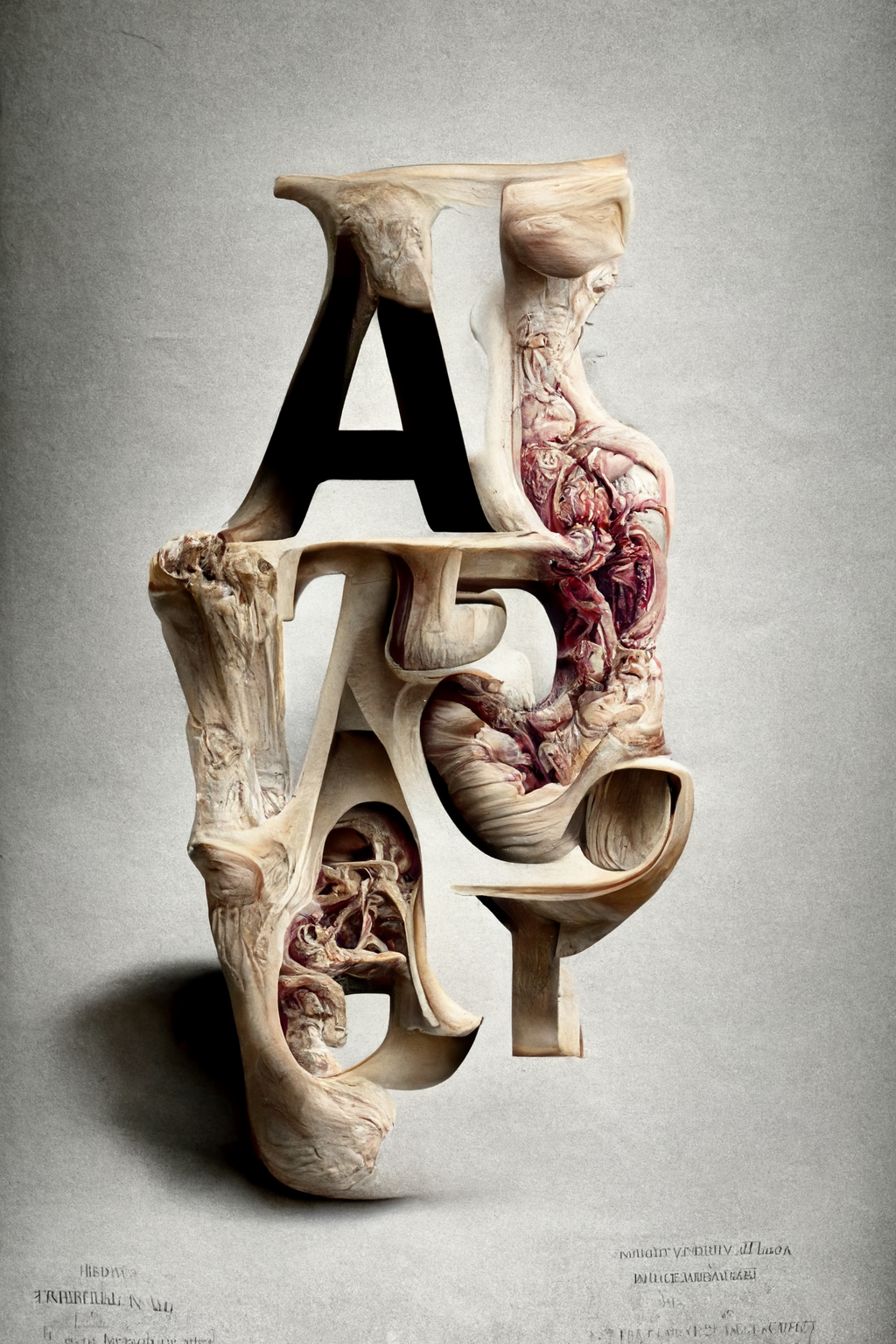
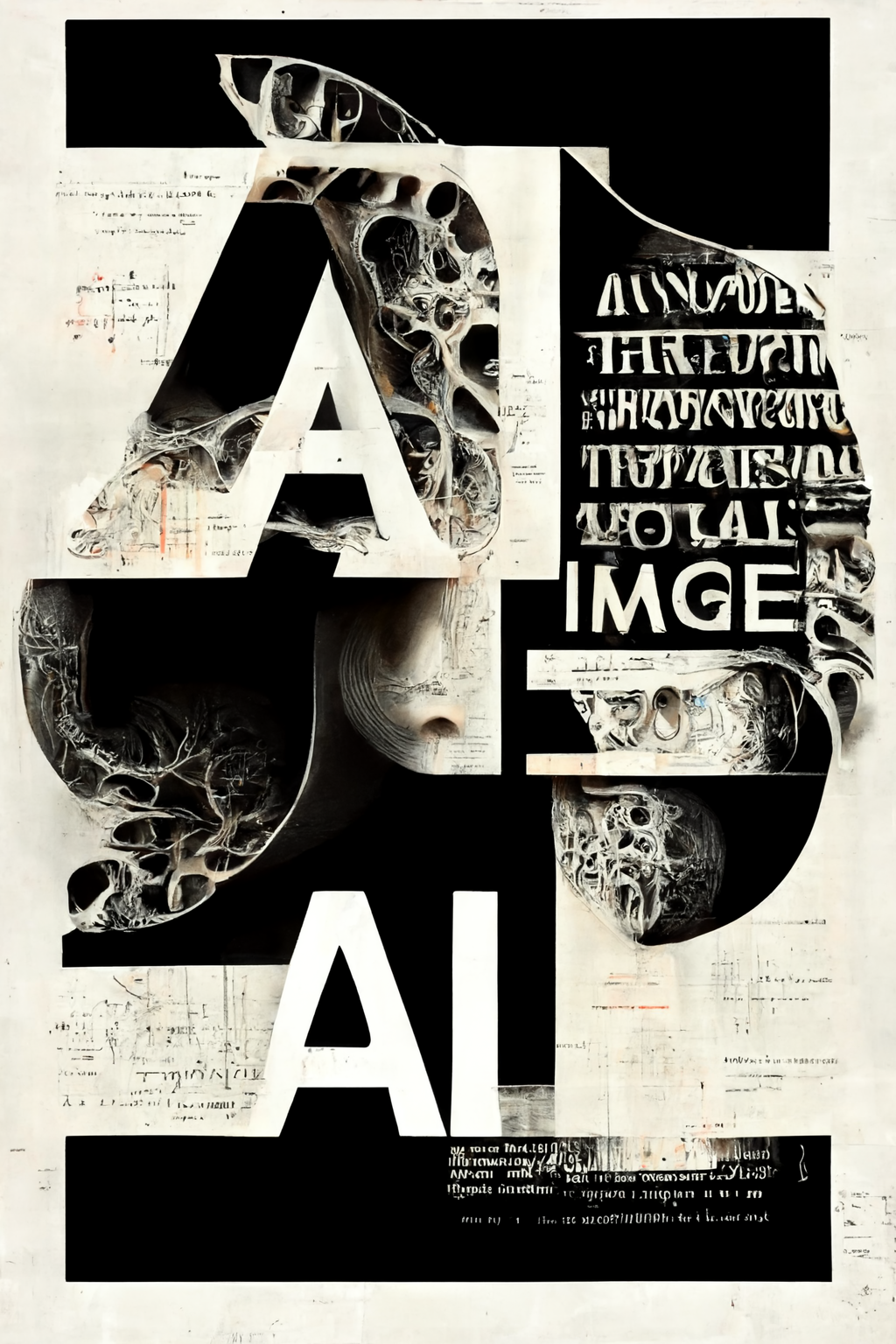
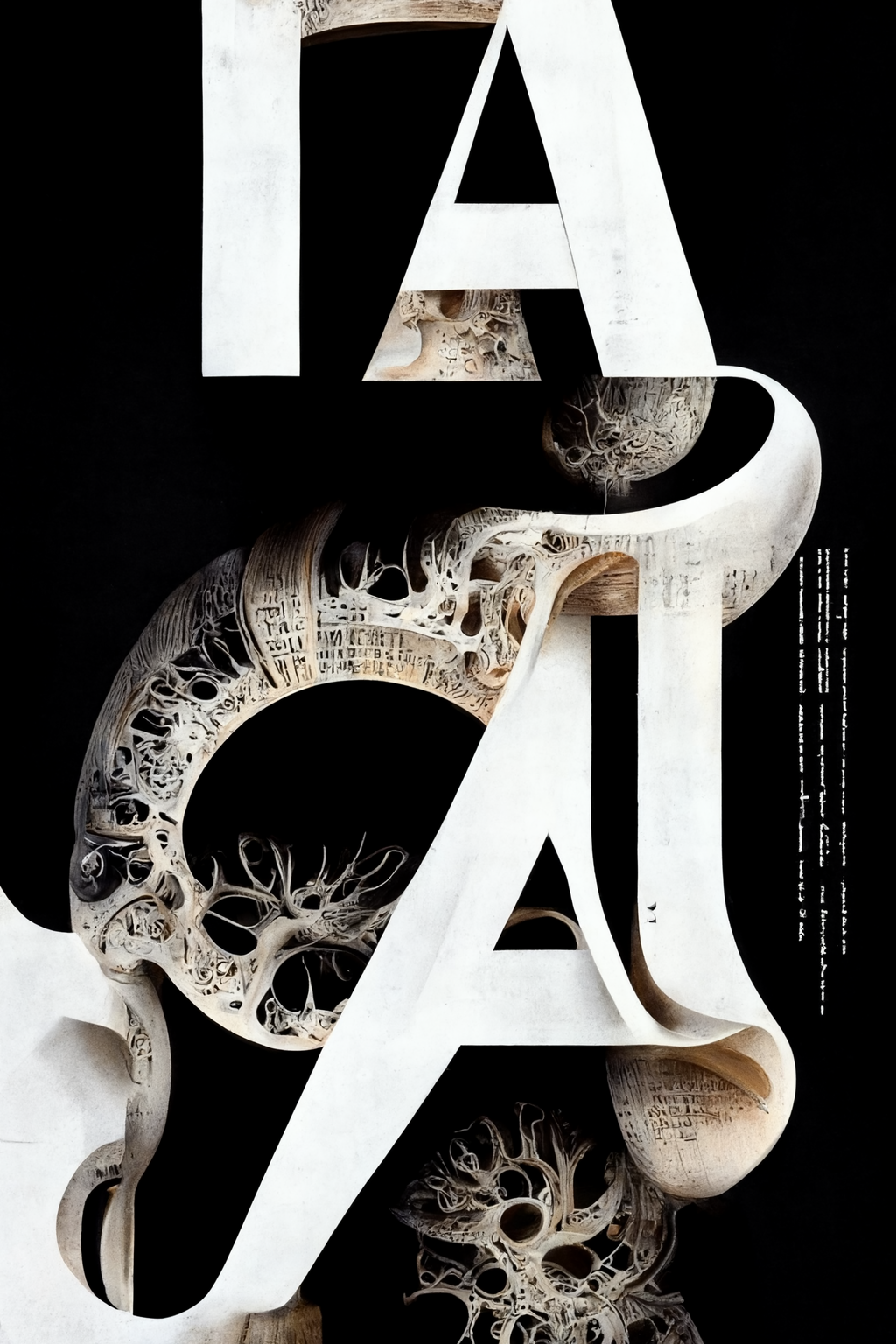


Choosing one image and making variations. (In MJ “Variations” can be combined with “—seed” to get similar, or “—sameseed” to get more similar compositions.)


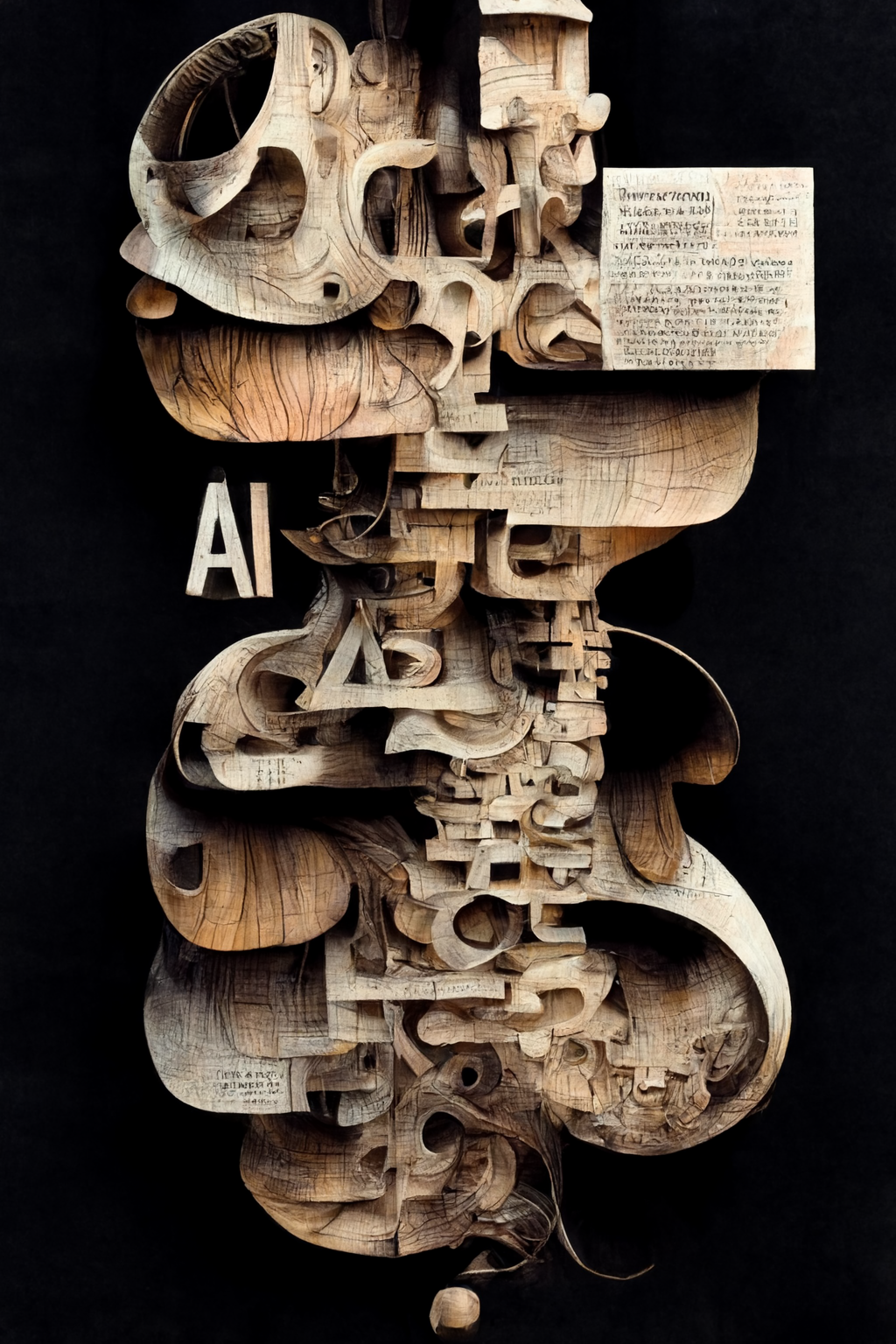
Replacing part of the prompt with something else. In this case “anatomical” with “floral”, “candy”, “wood”, “neon”, “yarn”, “architecture”, “drawing”, “collage” etc. (In MJ it’s this is a feature called “Remix”. It’s a “Variation” with an editable text prompt.)


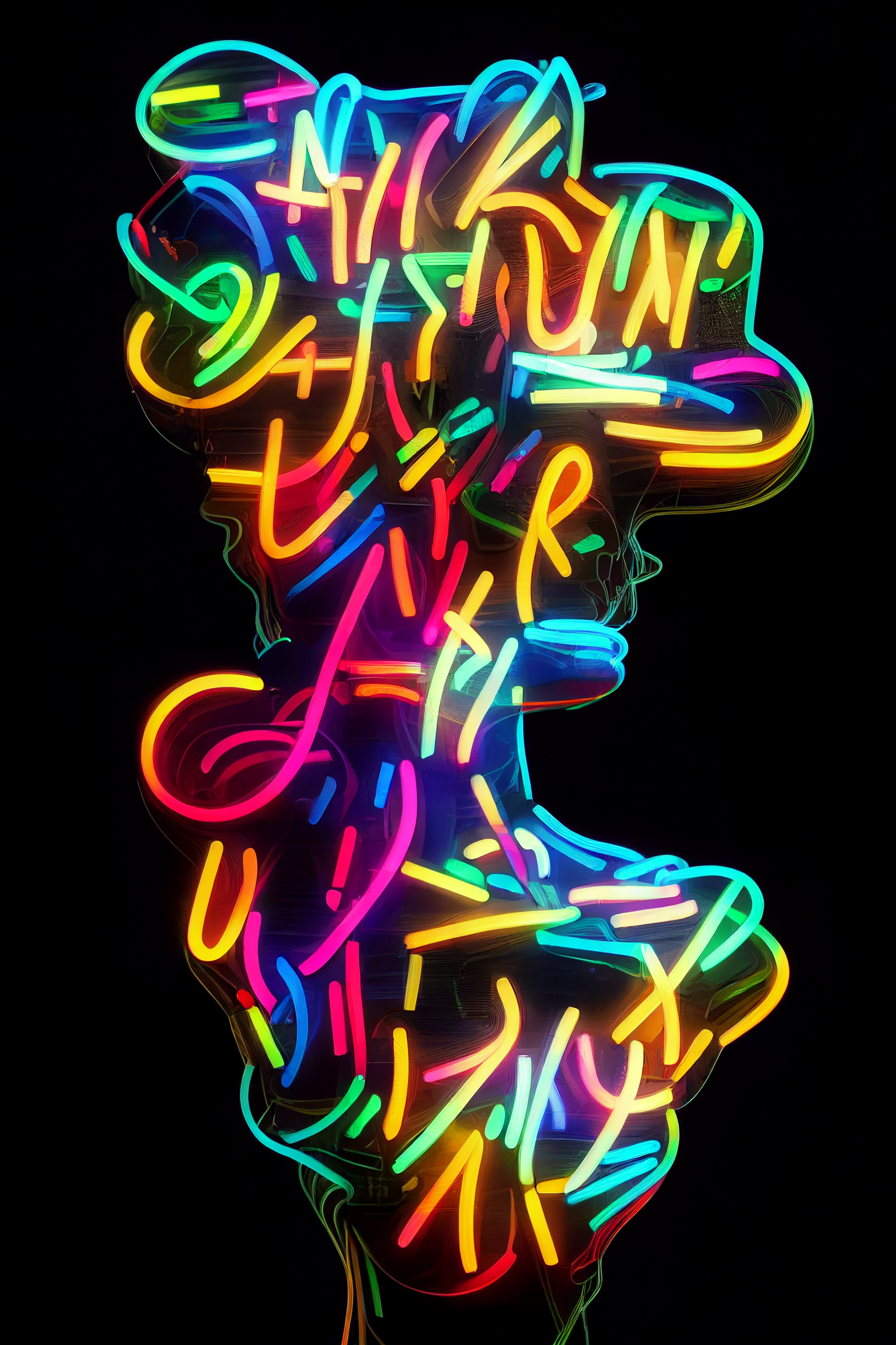


more or less weight can be given to subjects/words. Below the first four images have progressively more emphasis on the word “floral”. The bottom four images progressively more emphasis on the word “text”. (In MJ its ::3 / ::1 etc. directly after a word.)
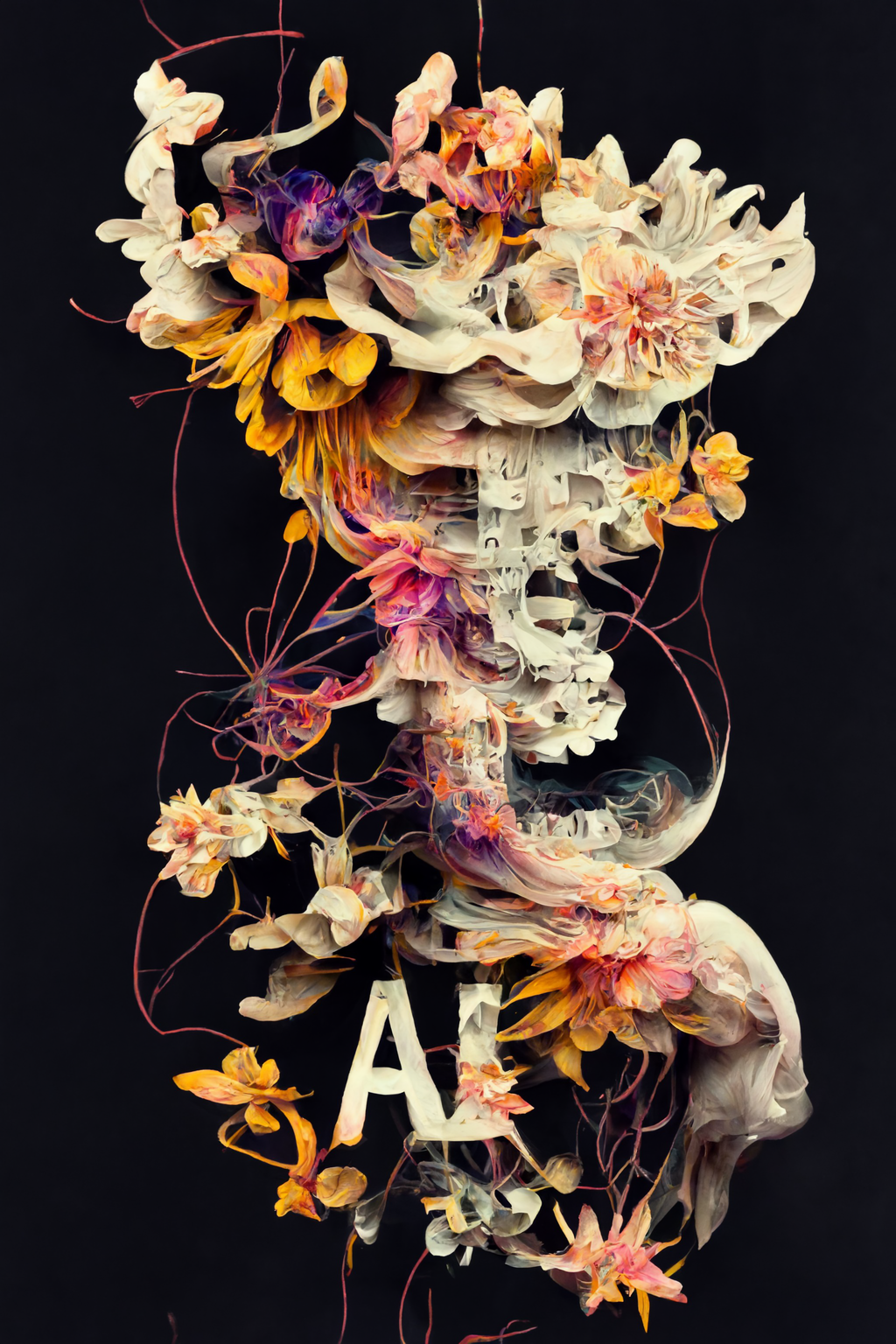
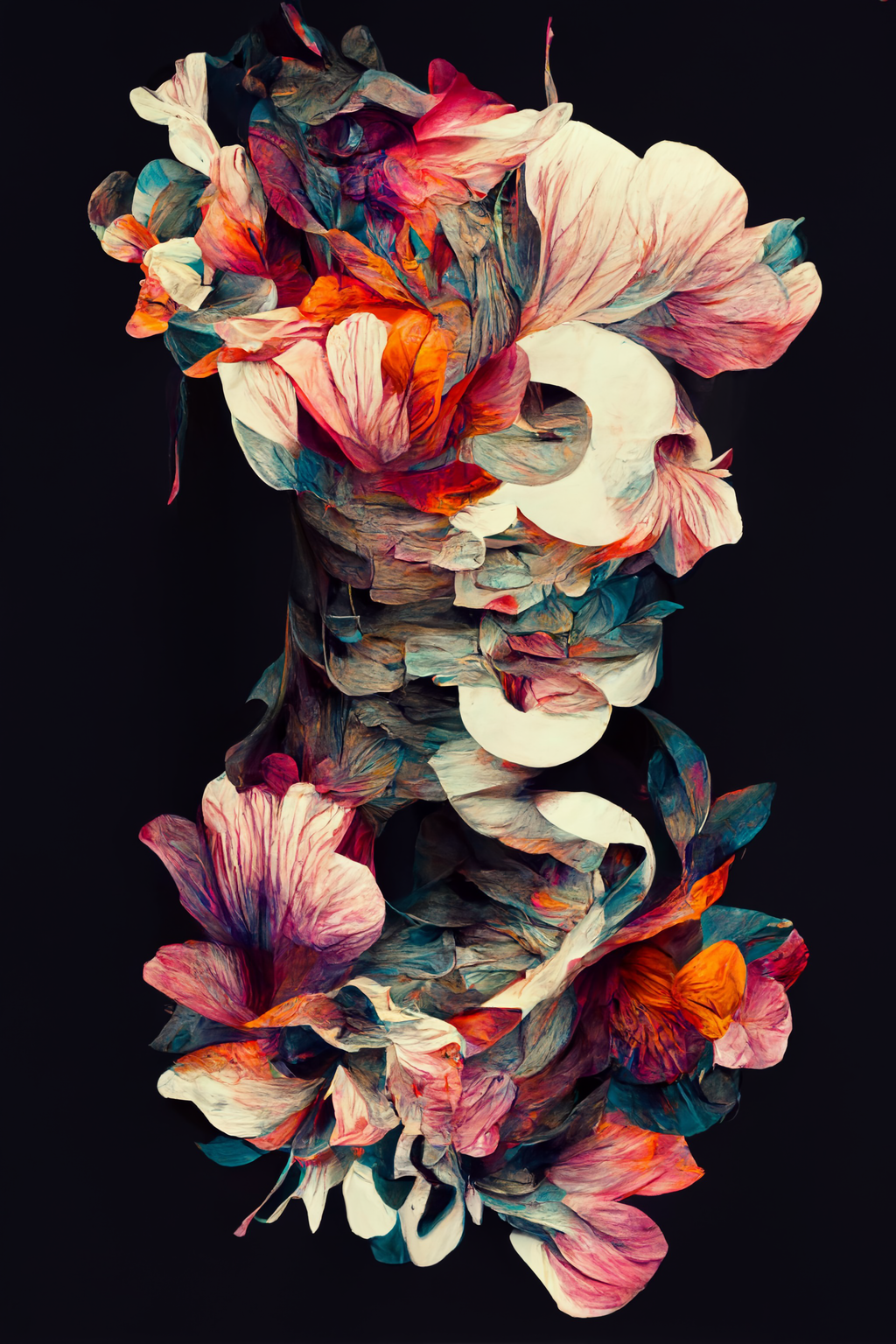
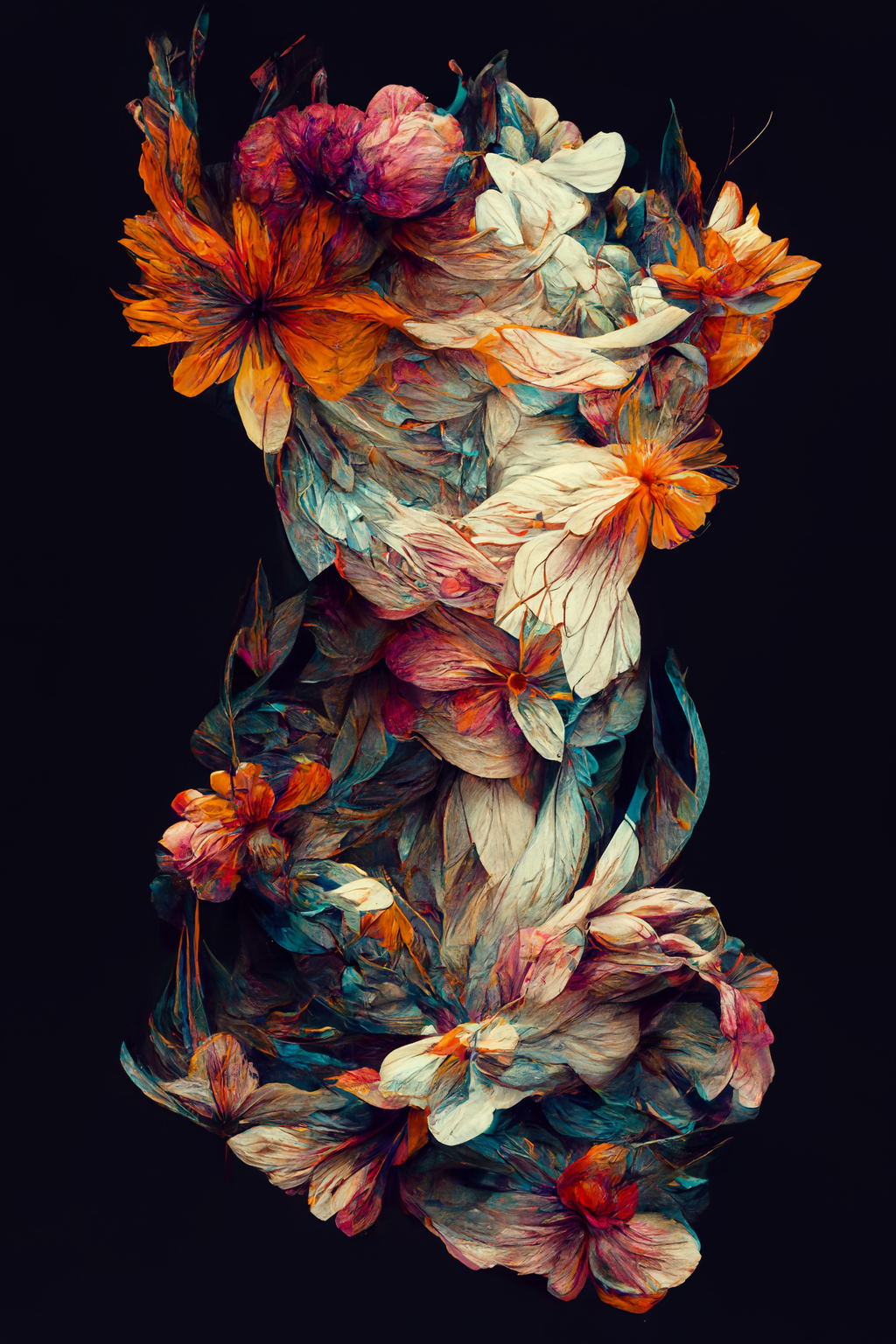
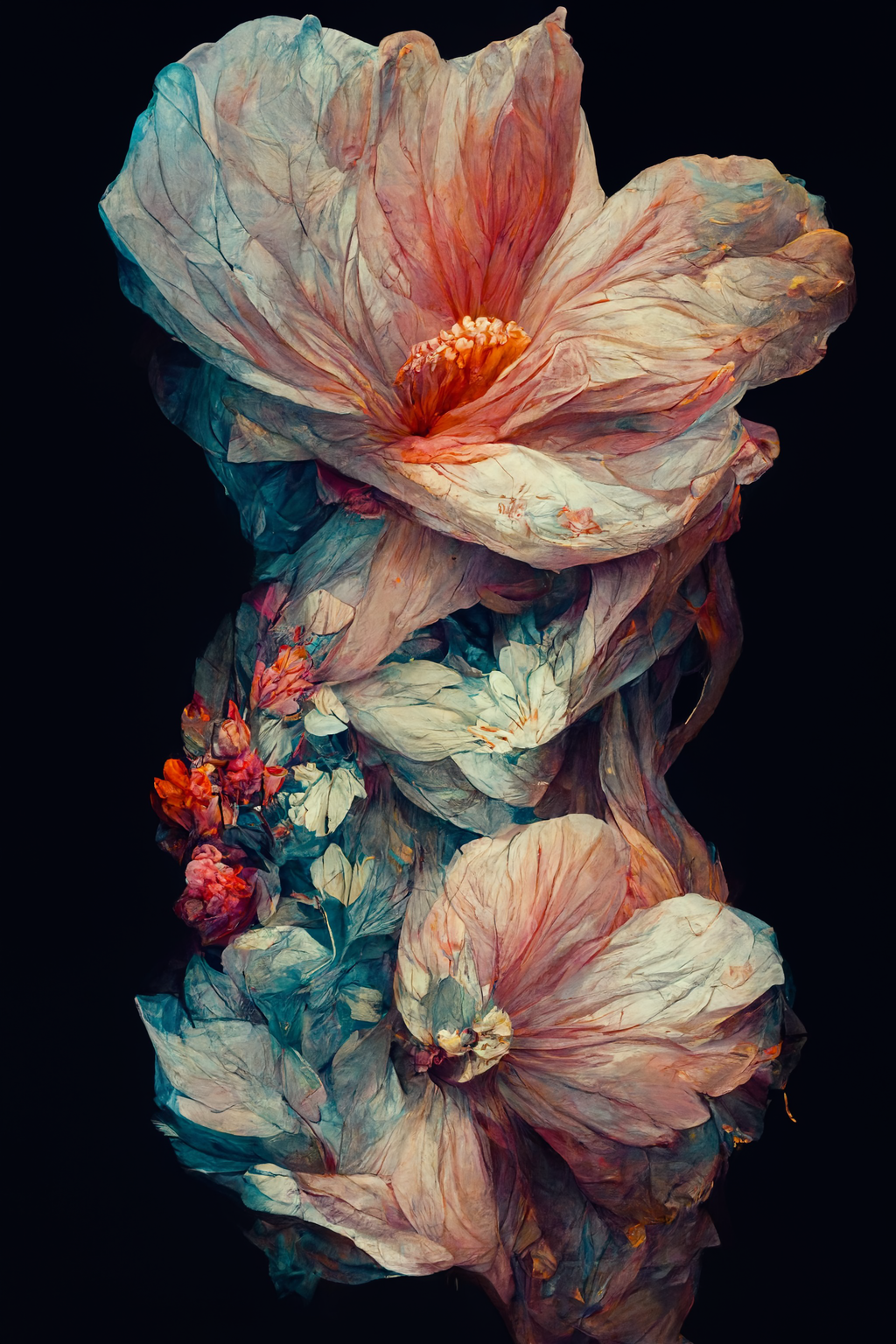
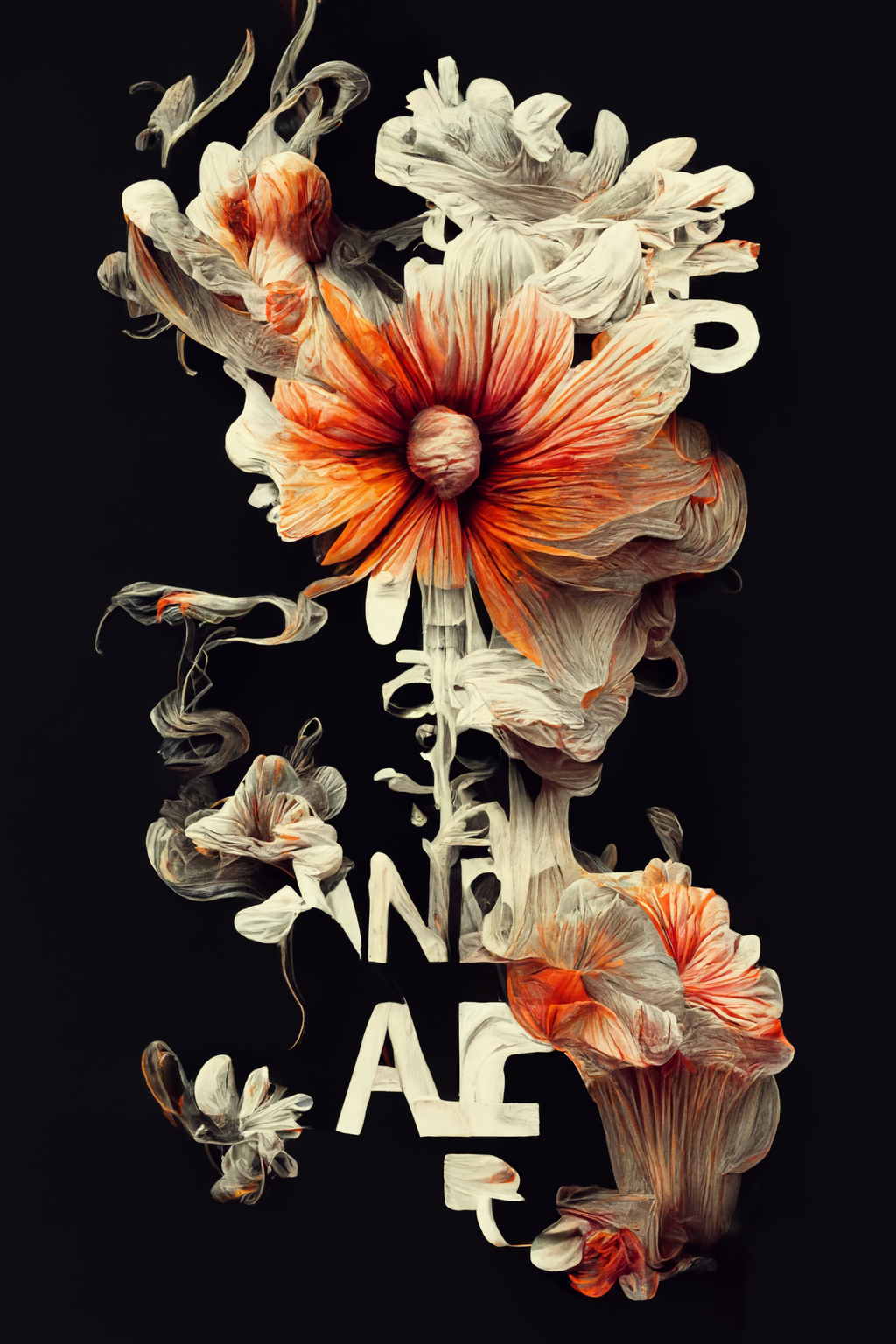
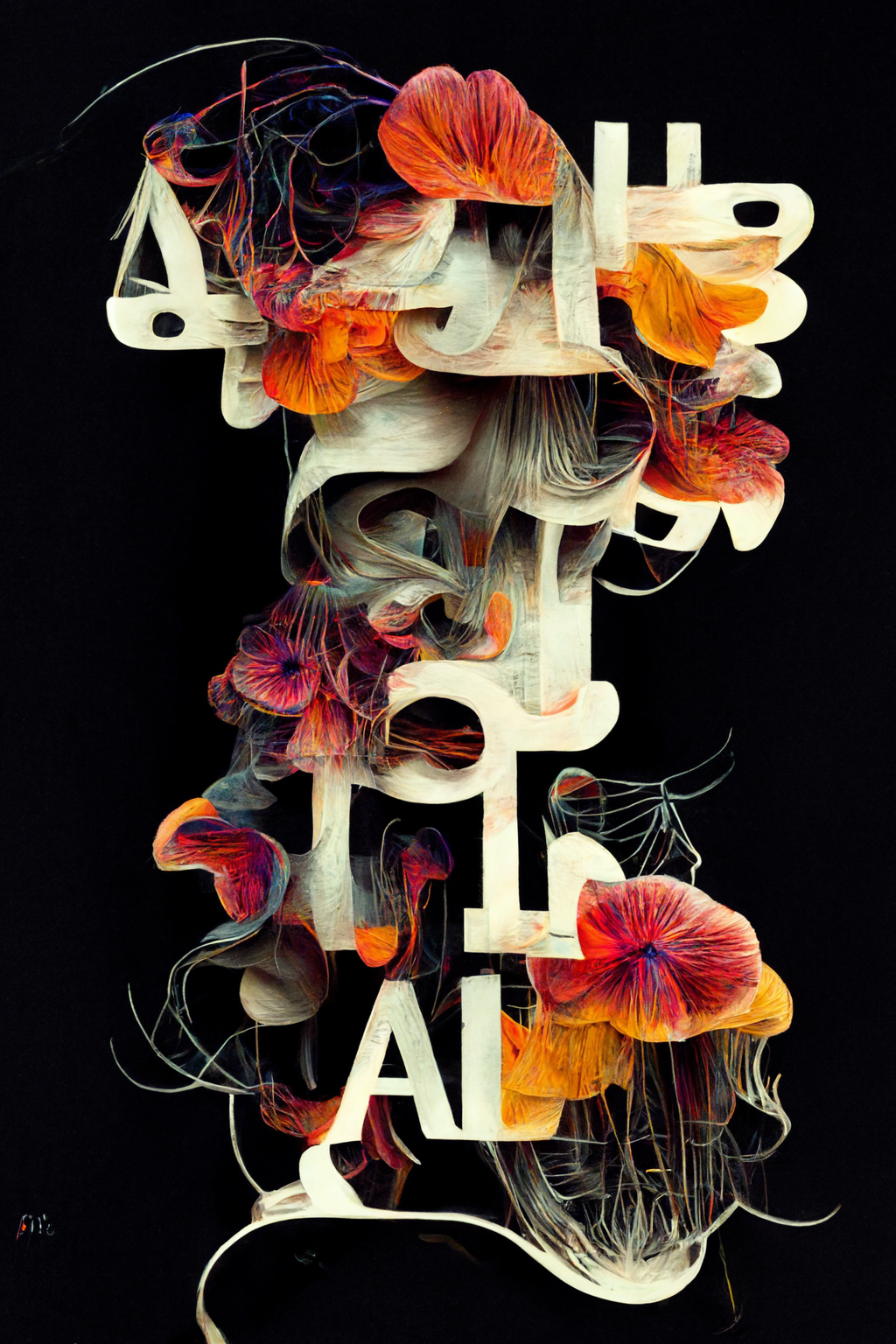
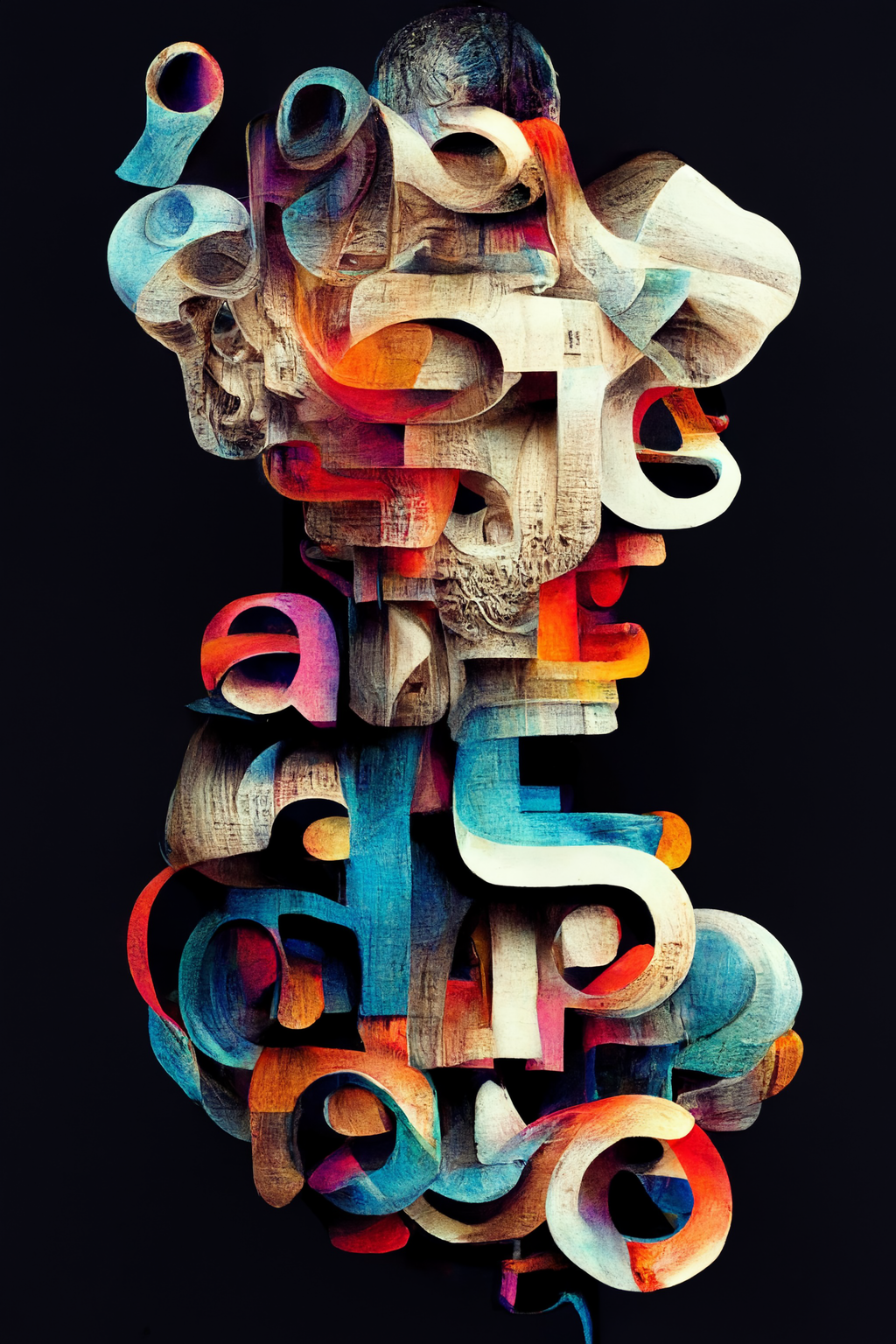
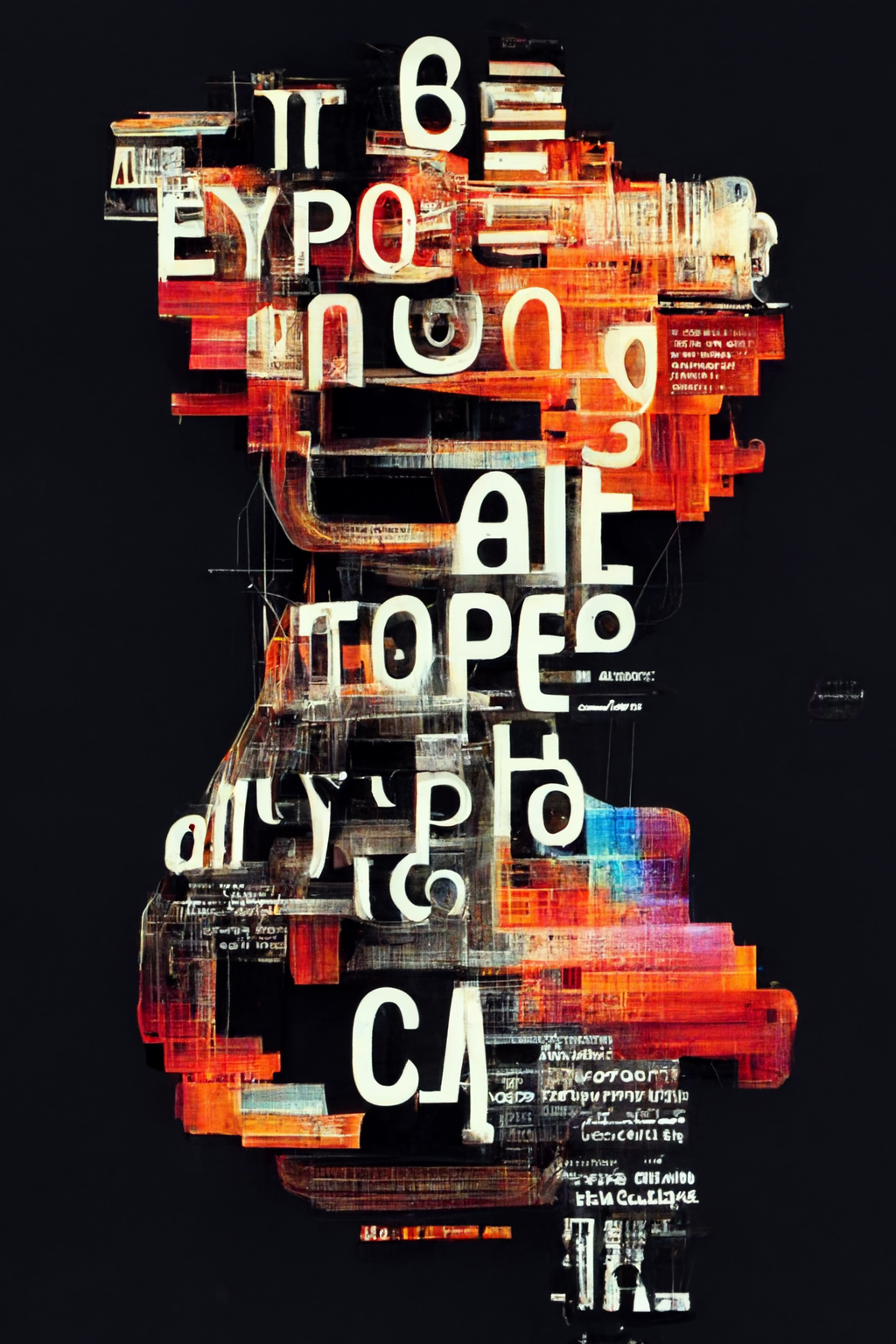
A lower value turns it off and the result will be less “artistic”. At a higher value the AI renders the prompt more freely/artistic and the result may stray away from the original prompt quite a bit. In the example below this value is set from low (first image) to progressively higher (fourth image). (In MJ it’s “—s” / default is “—s 2500”.)


Different ai algorithms can steer in a another direction. Example: The first image as a source for 3 variations. (In MJ it’s “—test” or “—testp”.)


There’s limited control over achieving this but if you’re lucky you get what you want… (In MJ it’s a word in quotes)


An image can be uploaded and then used to merge the original with the characteristics of the uploaded image. Since the text prompt can still be modified other features, like color, can be re-adjusted as well. This example: 1st image is original, 2nd image the upload, 3rd image the first and 4th image the second variation. (In MJ it’s the image URL together with “—iw”.—iw .25 is default, “—iw 5” is high. The higher the value the more weight the image gets.)
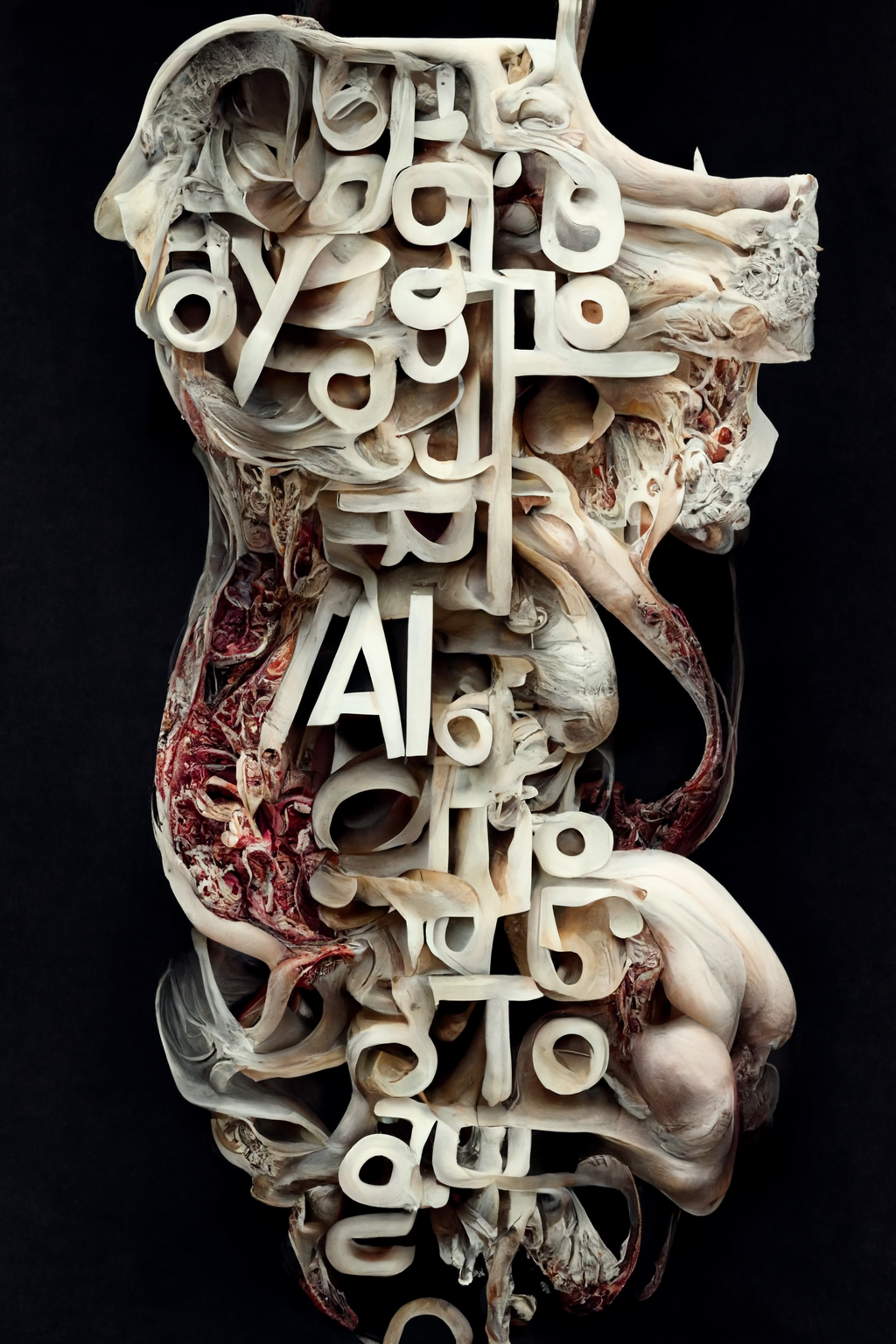
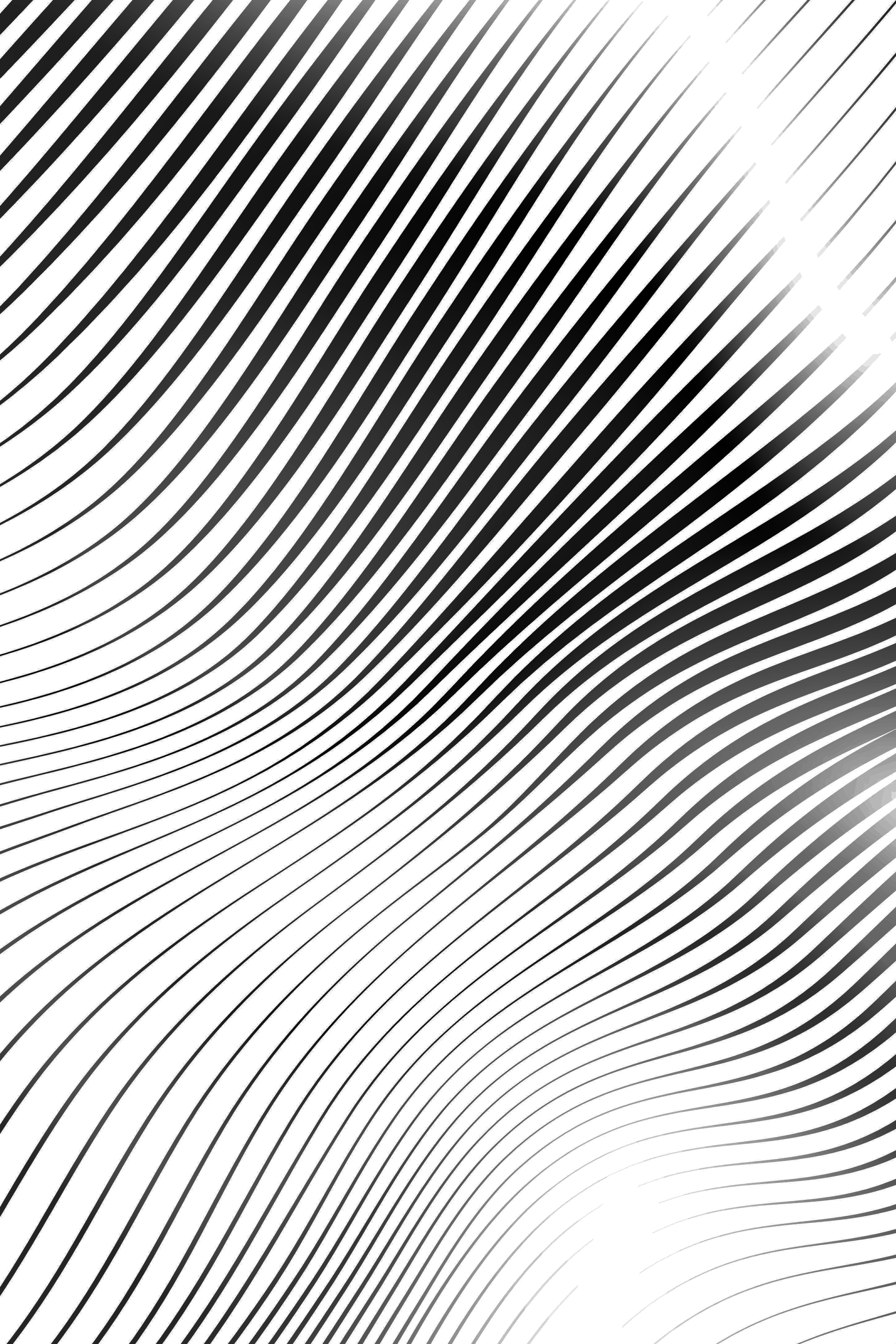


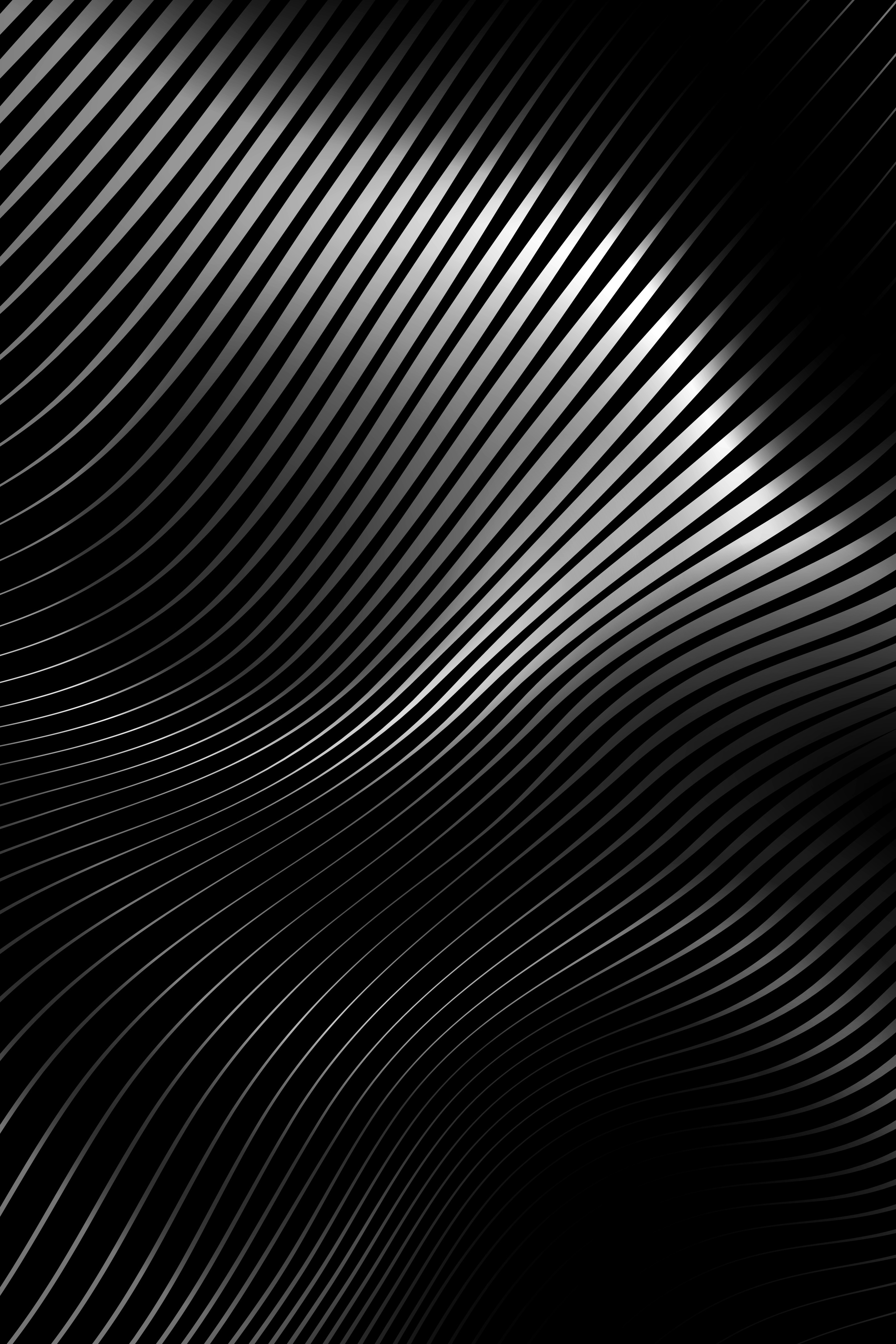


Occasionally an image is rendered that drifts further away from the prompts or intent.


Application for a certain purpose. In this case variations for a possible poster.


