

 0.Intro00. Prompts and Parameters01. Process02. Style03. Lighting04. Translations05. Tiling06. Animation07. Outpaint / Inpaint08. Graphic 09 Typography10. Word Play11. Type Design12. Abstract Concepts13. Semi Abstract14. Storytelling15. Experimental PortraitsCommunity ExamplesResources
For Midjourney AI the prompt should have the following structure:
/imagine http://roegerdesign.com/ai/image.jpg a still live of apples bananas oranges by Pieter Claesz —ar 2:3 —v 3 —q 2
MJ: The higher the value the more “artistic” the results (shifting away from the prompt). Examples below from first to last —s 625, —s 2500, —s 20000, —s 60000.
still live studio photography, apples and cheese and wine on a table, dramatic lighting —q 2 —stylize 625


While “stylize” shift the prompt into a more creative direction, the “chaos” parameter seems to have an influence on the camera angle/distance and composition of the subjects. The higher the value the more unusual the results.
still live studio photography, apples and cheese and wine on a table, dramatic lighting —ar 1:1 —v 3 —q 2 —chaos 100
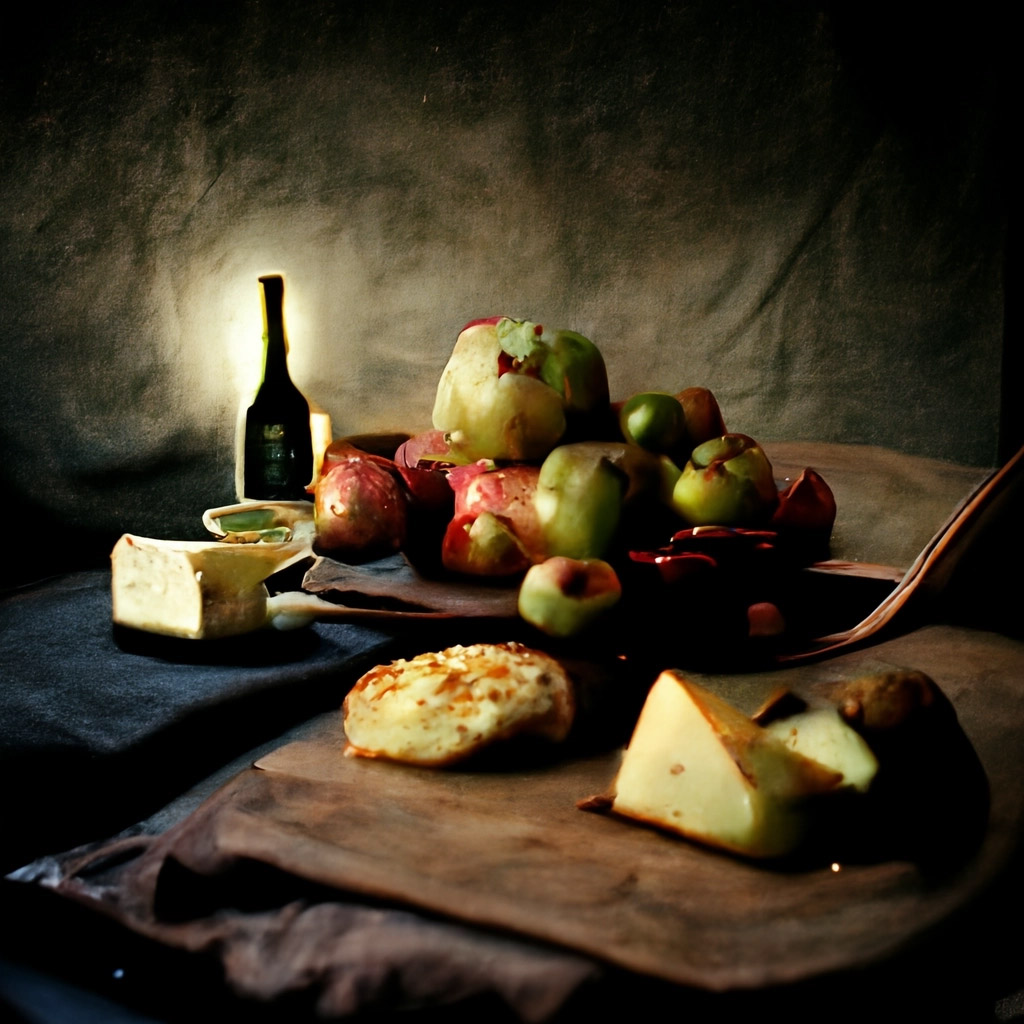
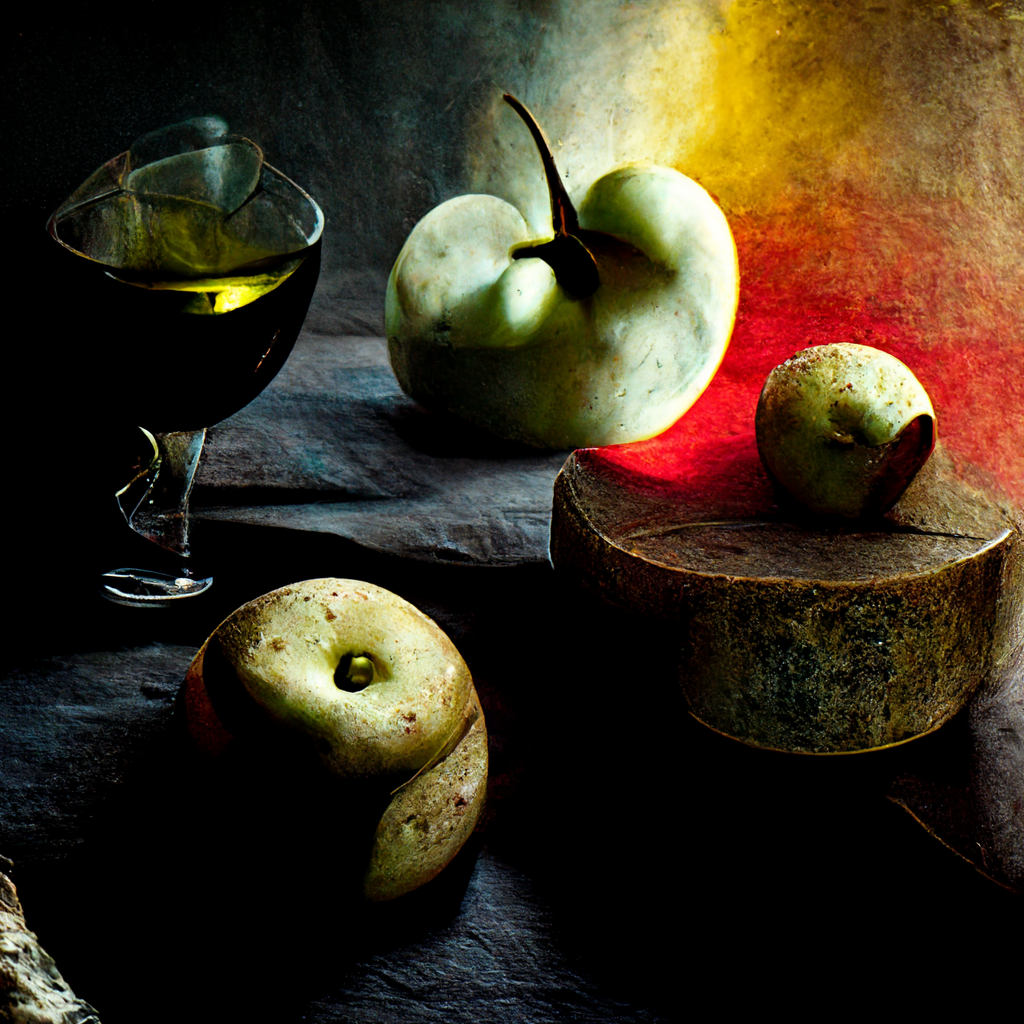
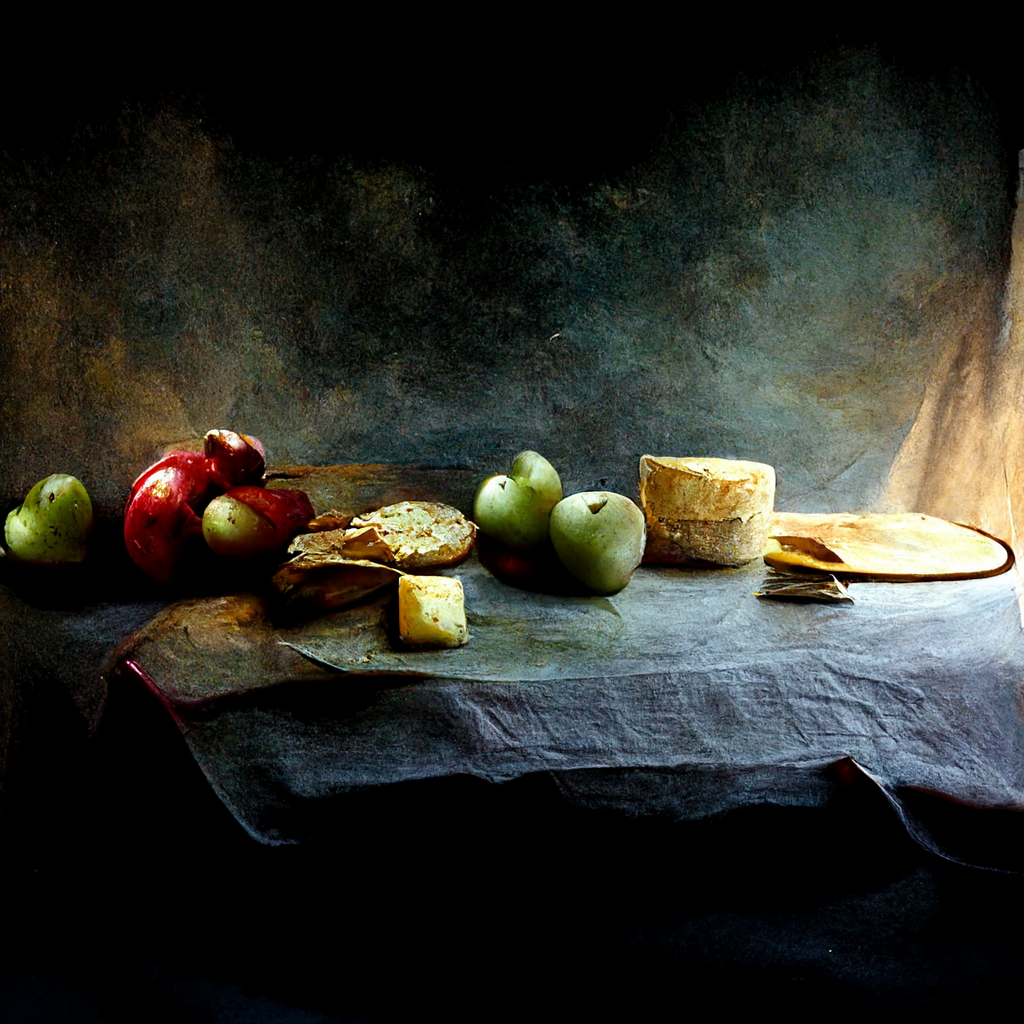
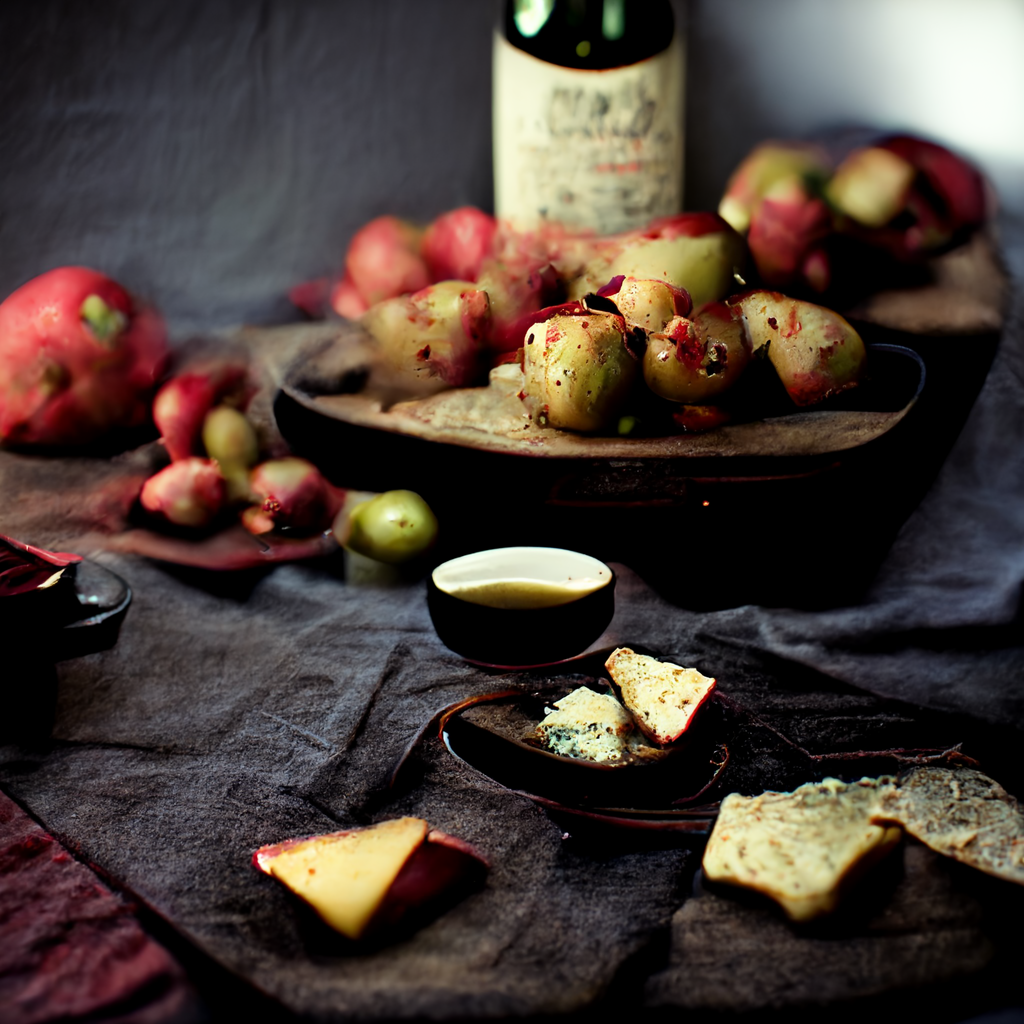
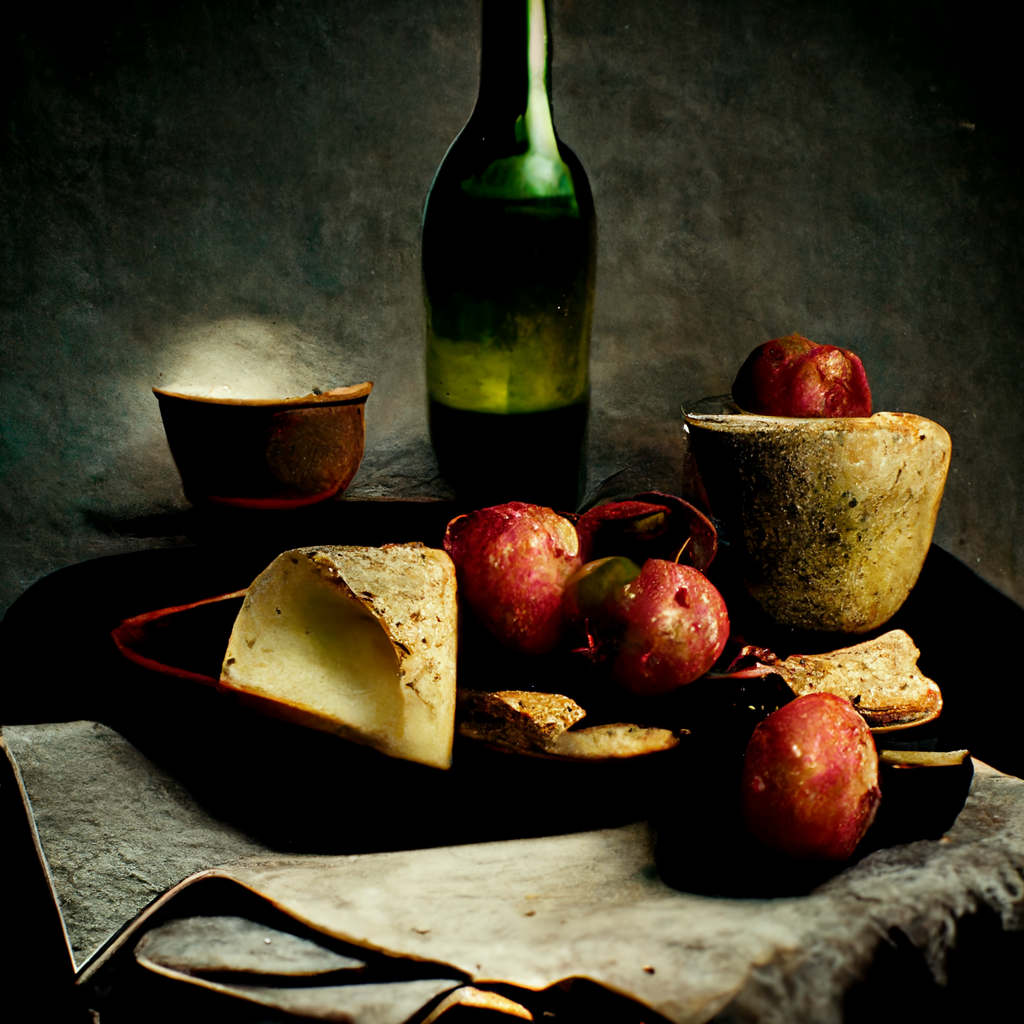
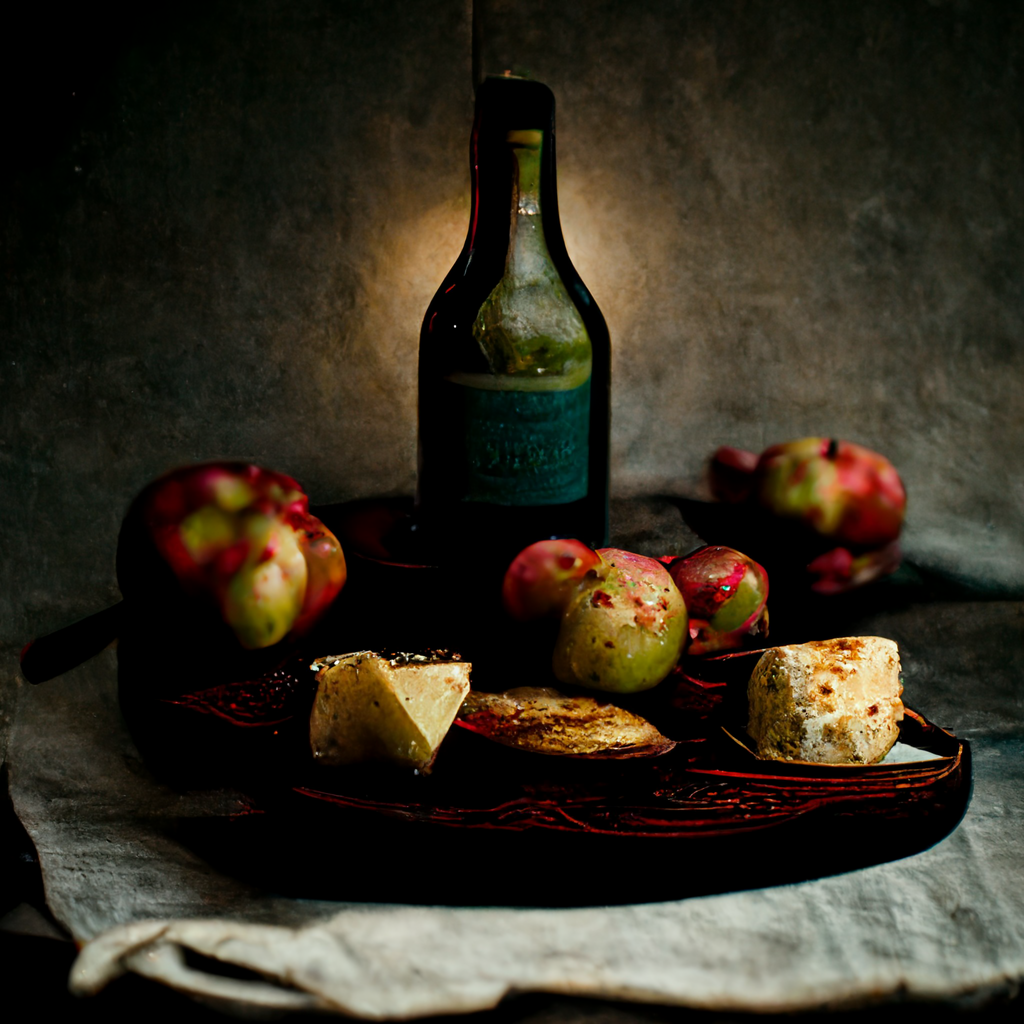
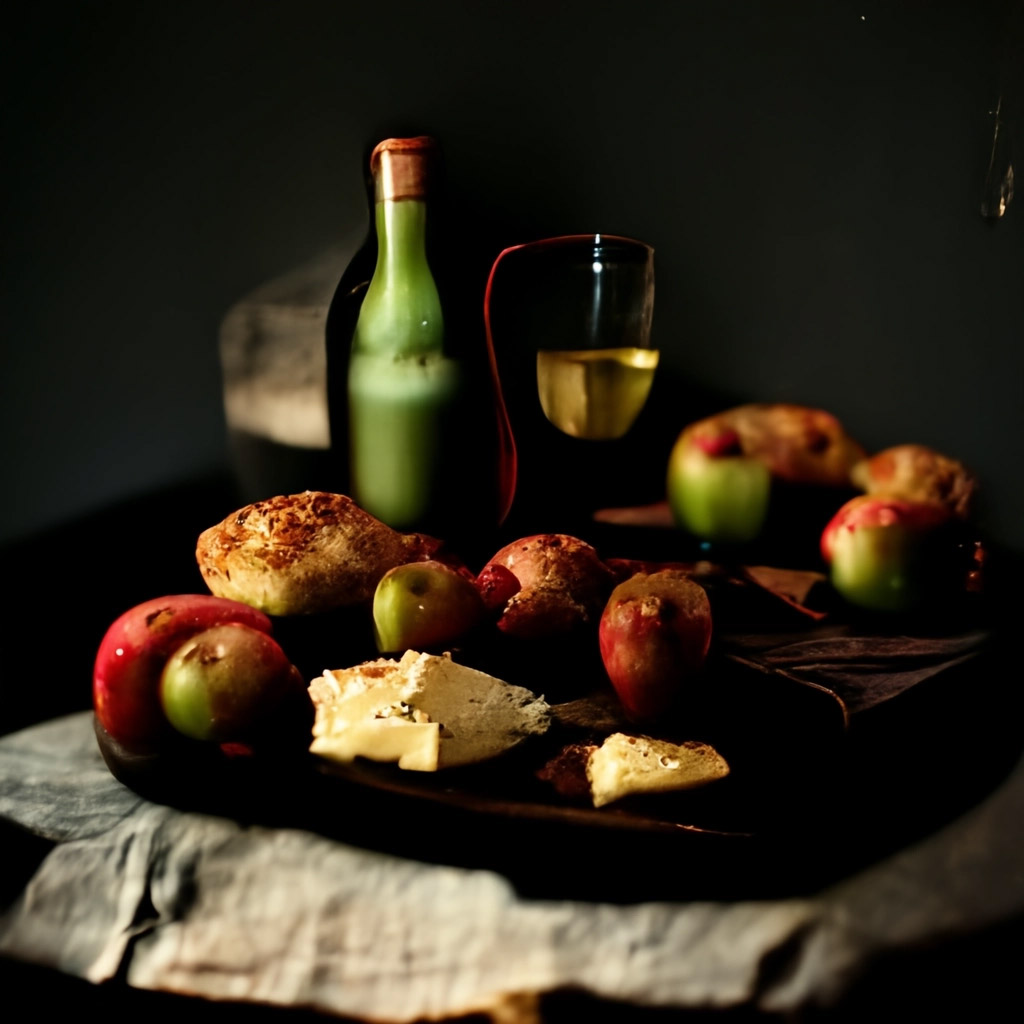
When doing variations the “seed” helps to keep the results more consistent. First set of 4 images are without a seed, the second set of images with the seed, the 3rd set of images with “sameseed”, a parameter that results in the least variation.
still live studio photography, apples and cheese and wine on a table, dramatic lighting —ar 1:1 —v 3 —q 2 —seed 11149
no seed:

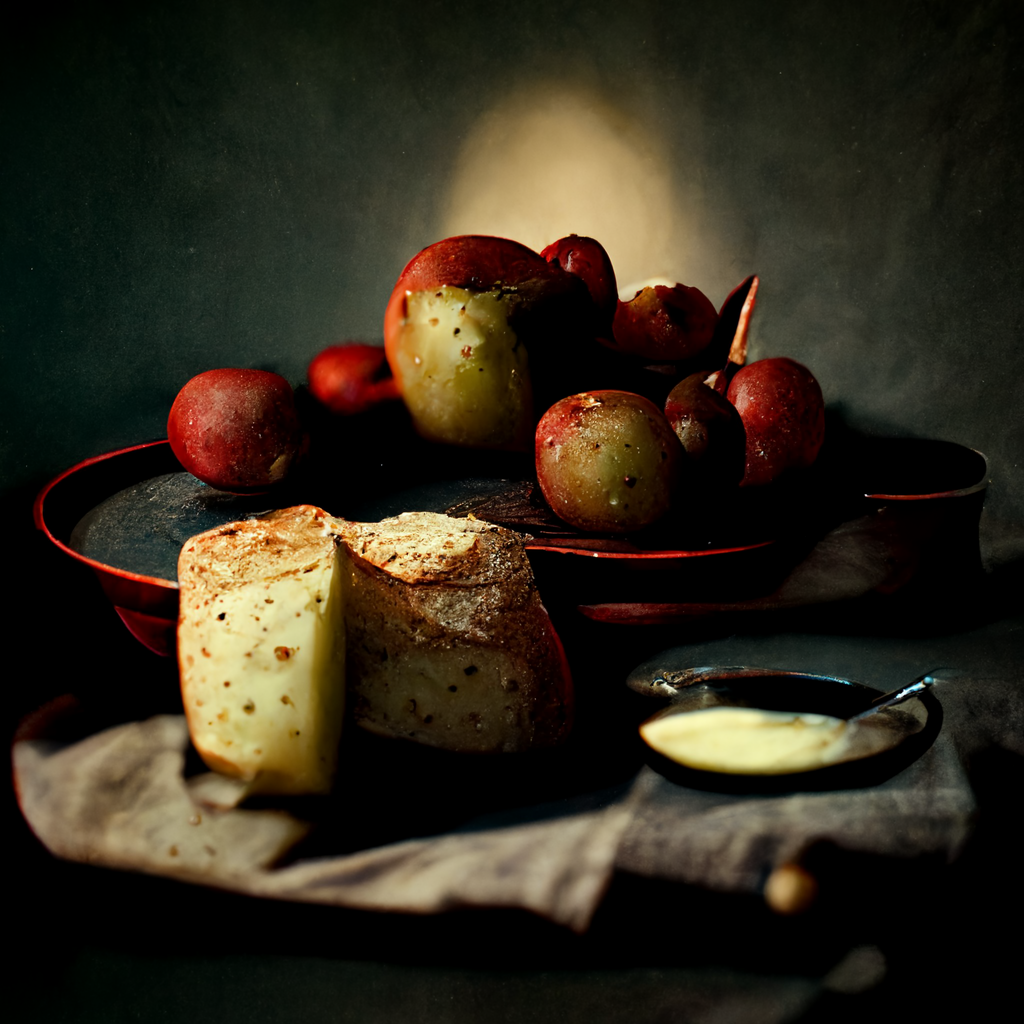
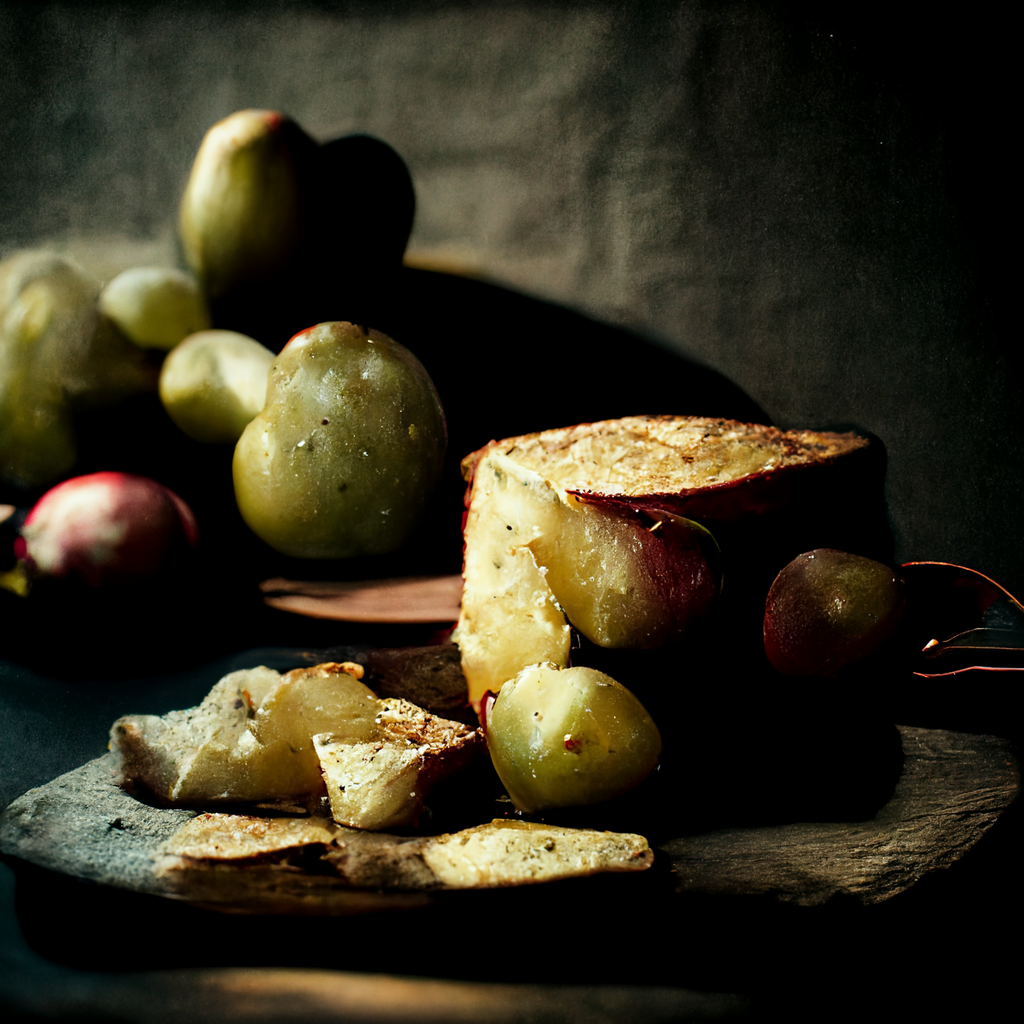
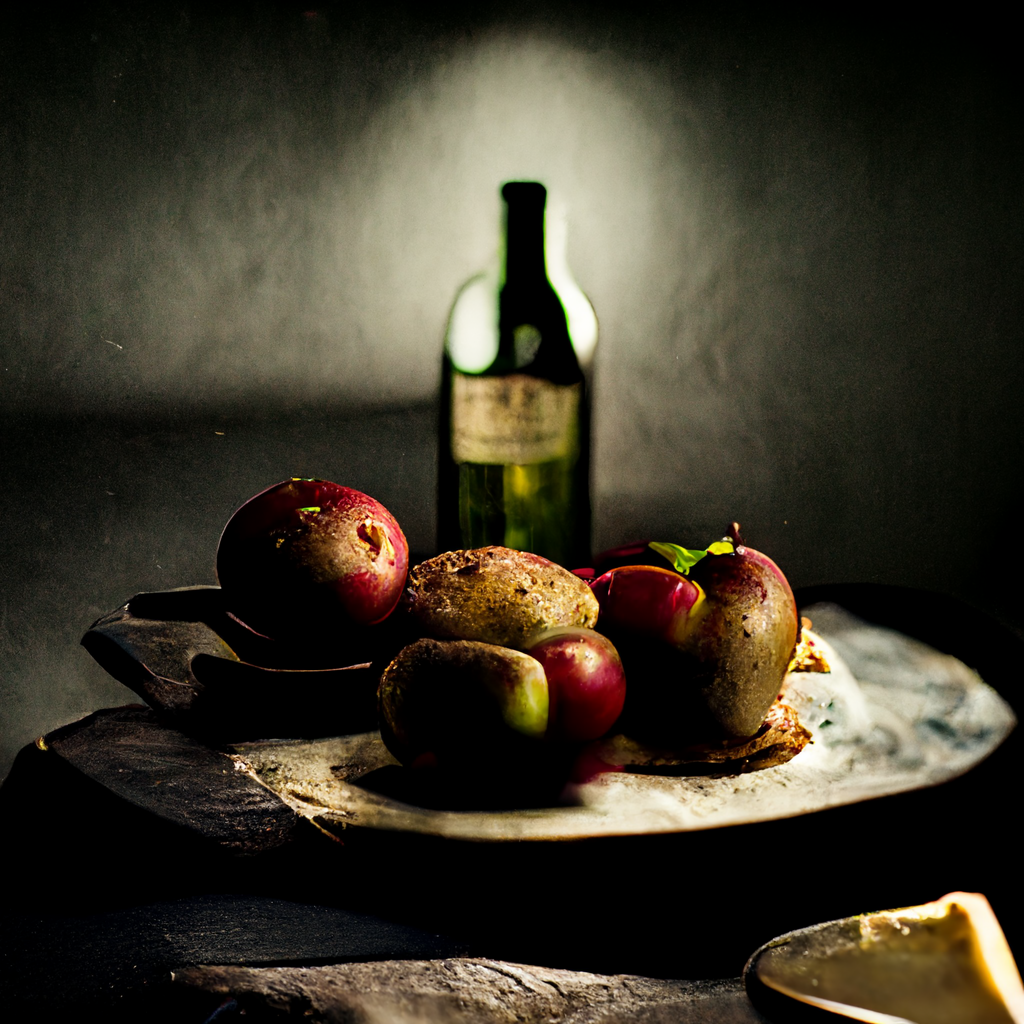
seed:
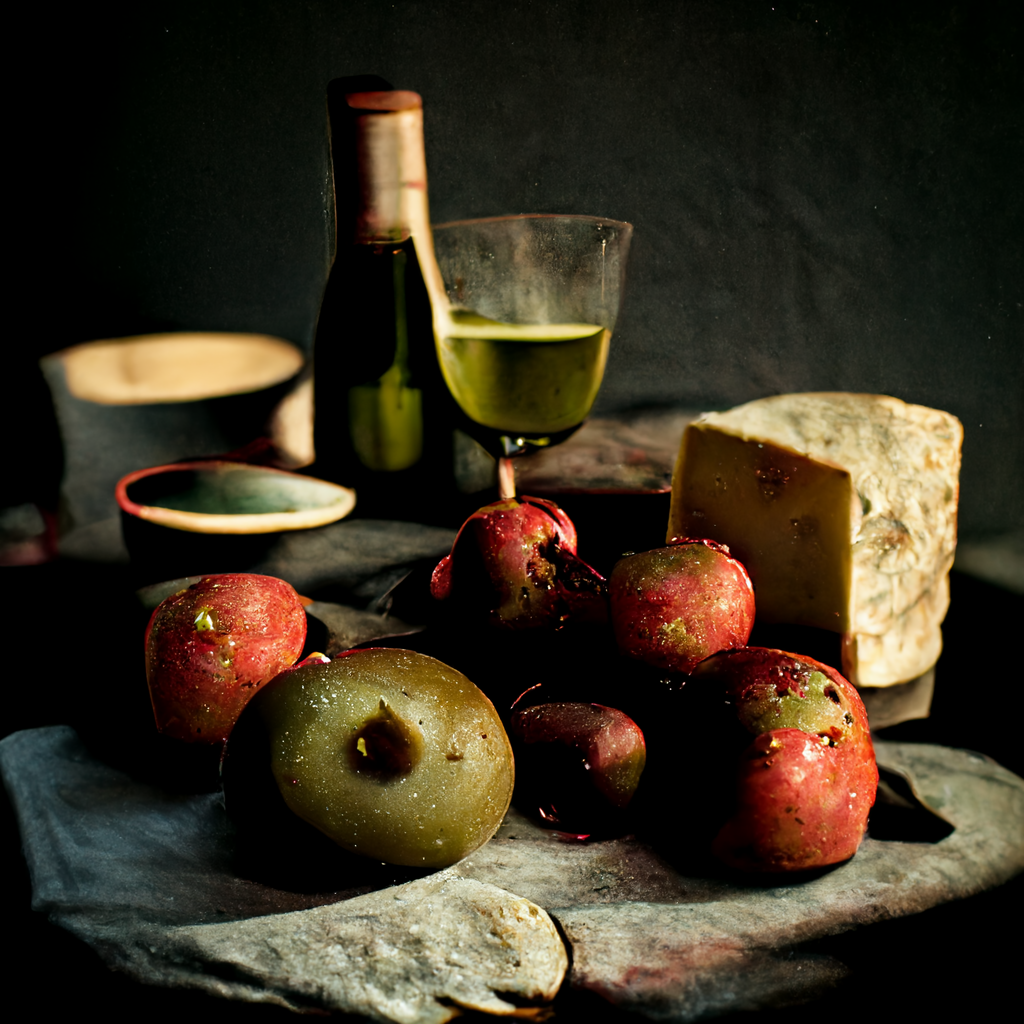
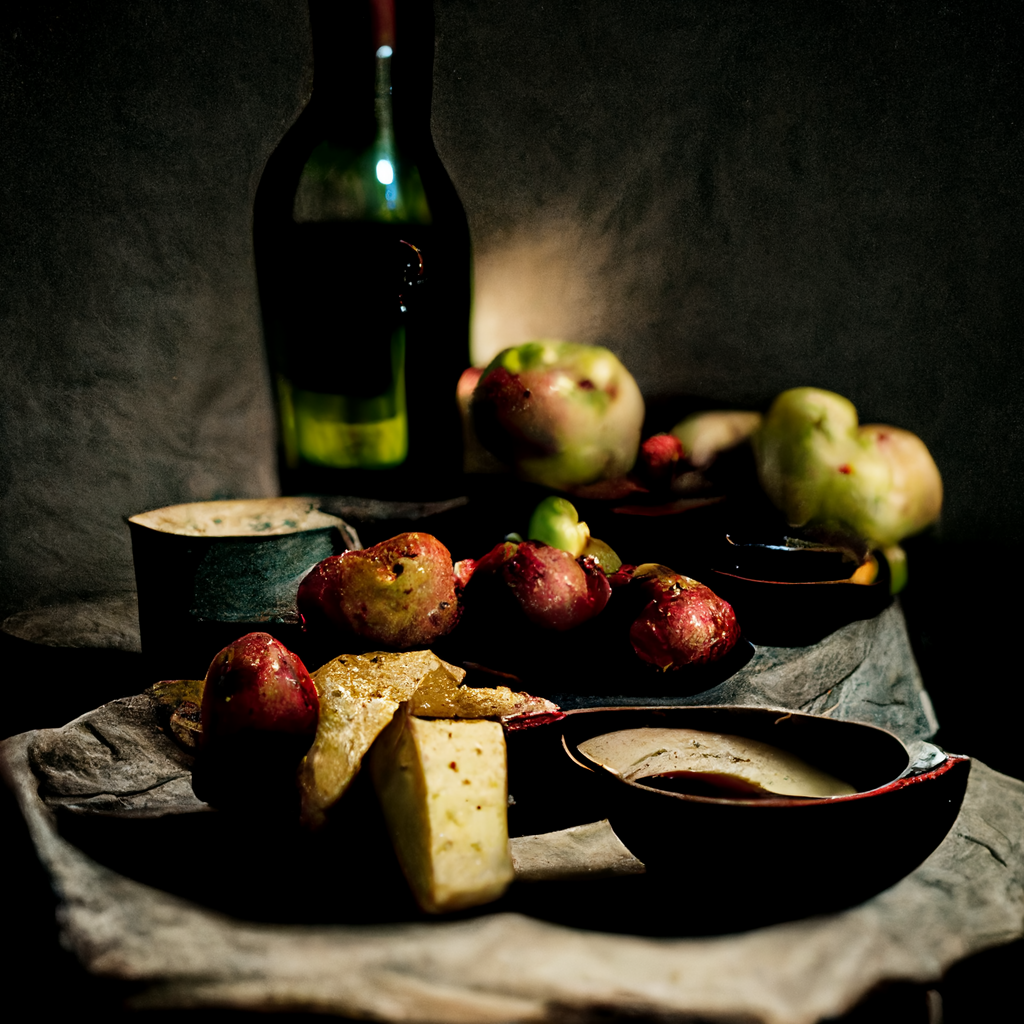
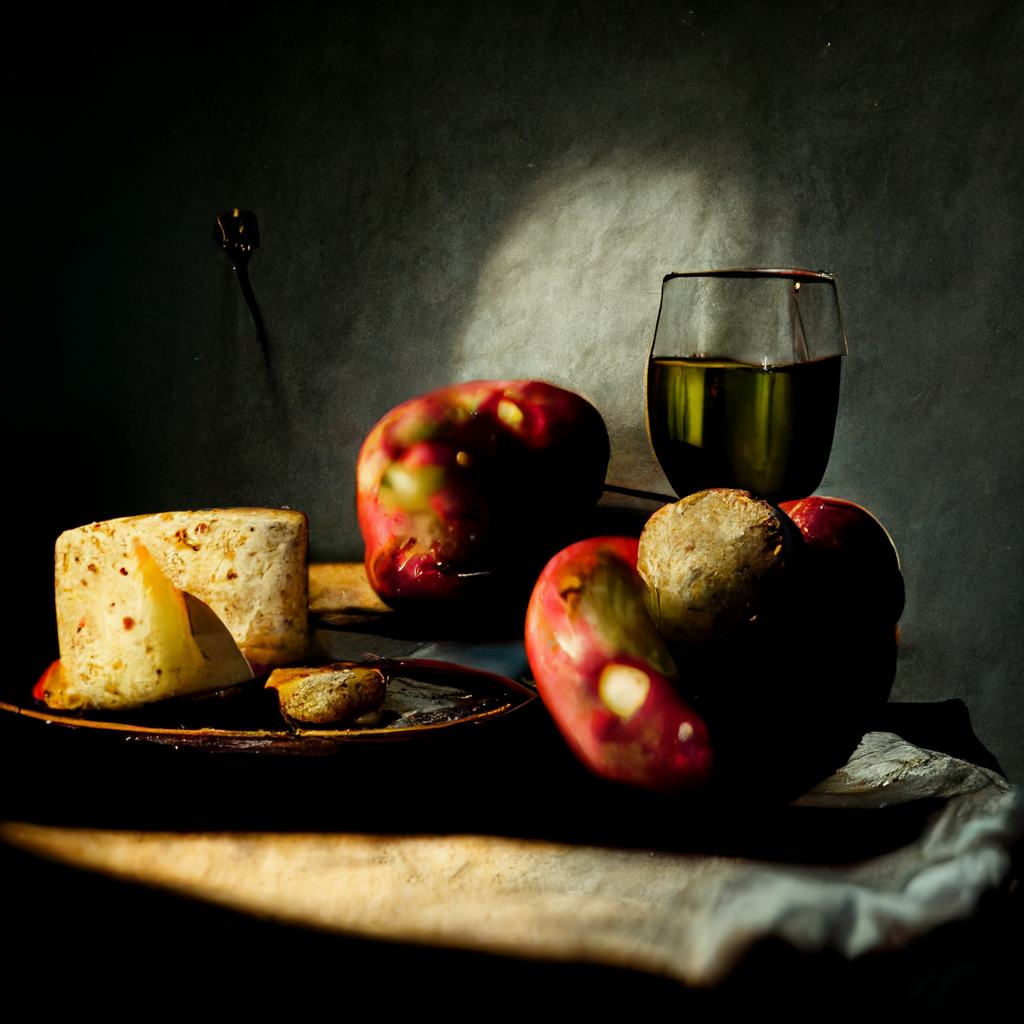
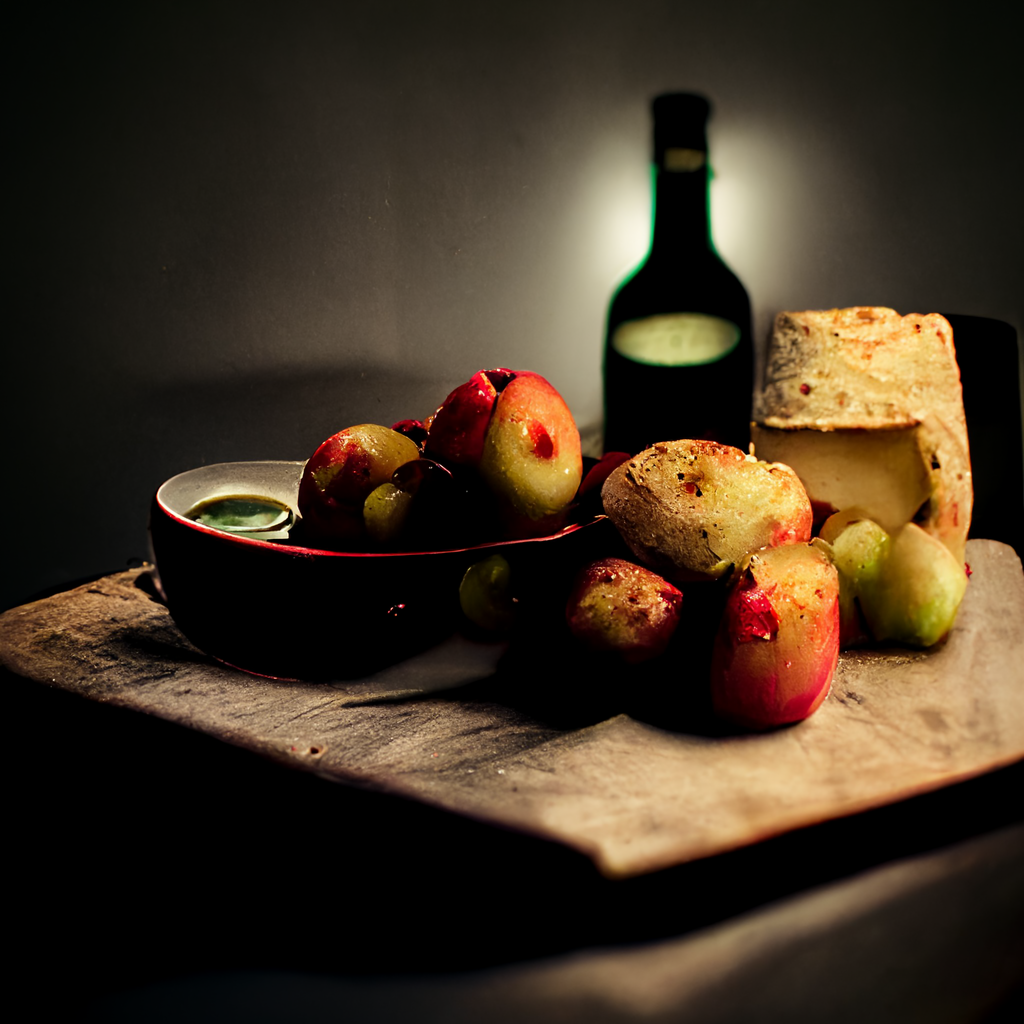
sameseed:
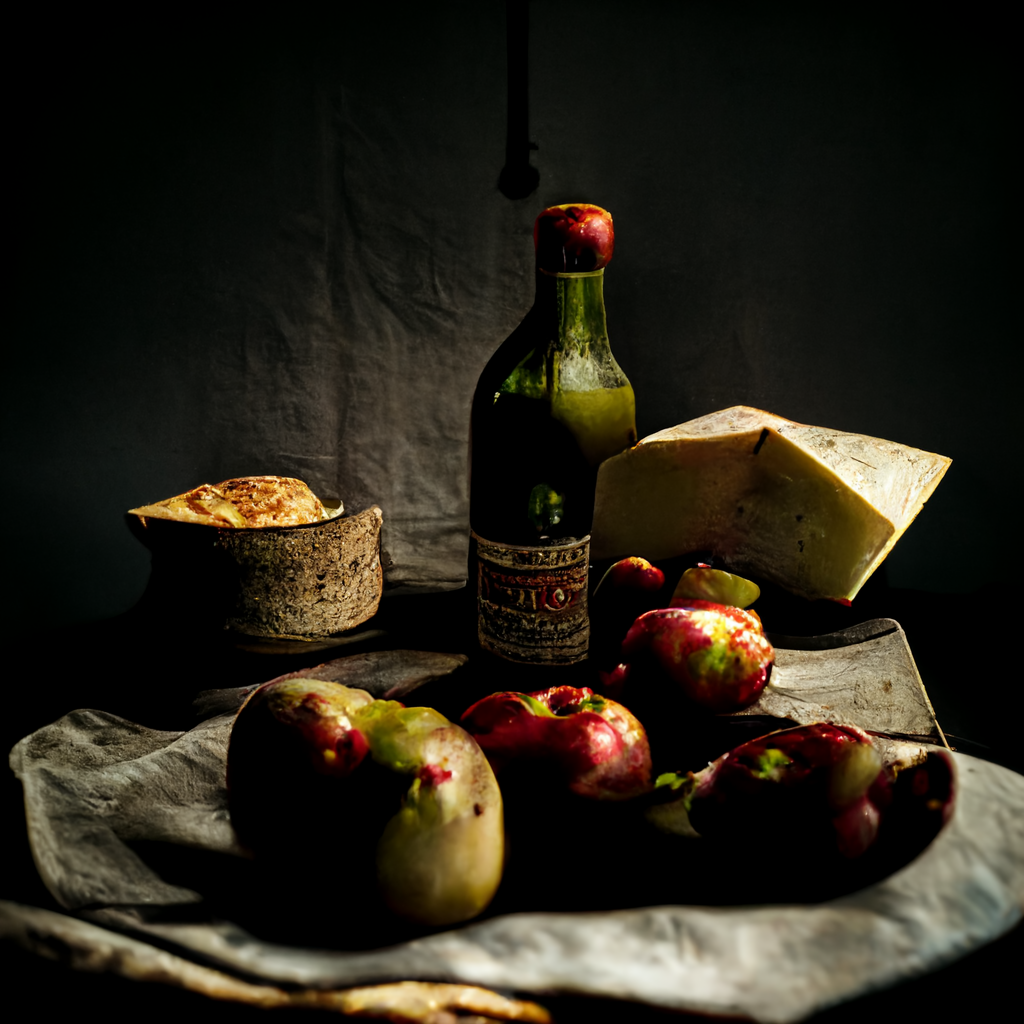
You can suffix any part of the prompt with ::0.5 to give that part a weight of 0.5. If the weight is not specified, it defaults to 1.
Example:
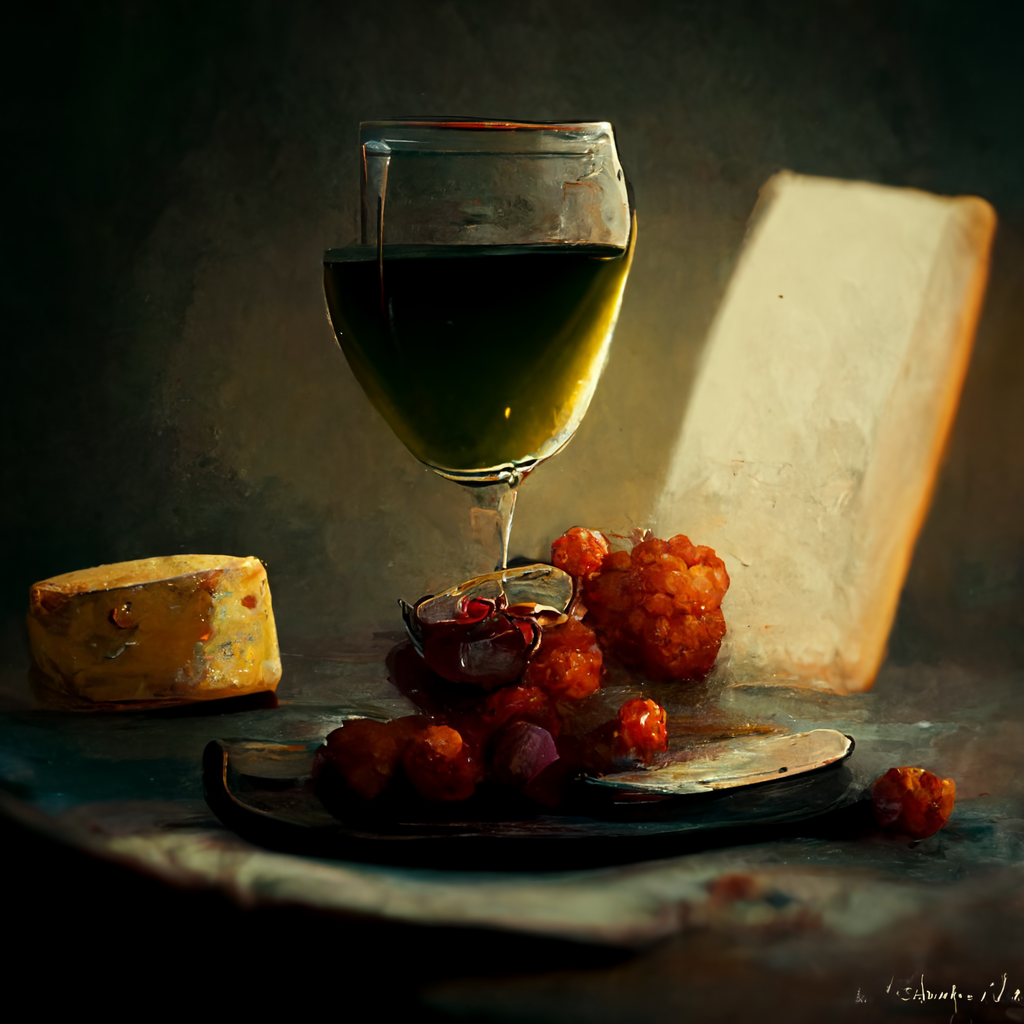
still live studio photography, apples::-0.5 and cheese::2 and wine::3 on a table, dramatic lighting —ar 1:1 —v 3 —q 2
This shifts the attention to the wine in particular. Cheese has emphasis but the apples are less important (small or not there at all).
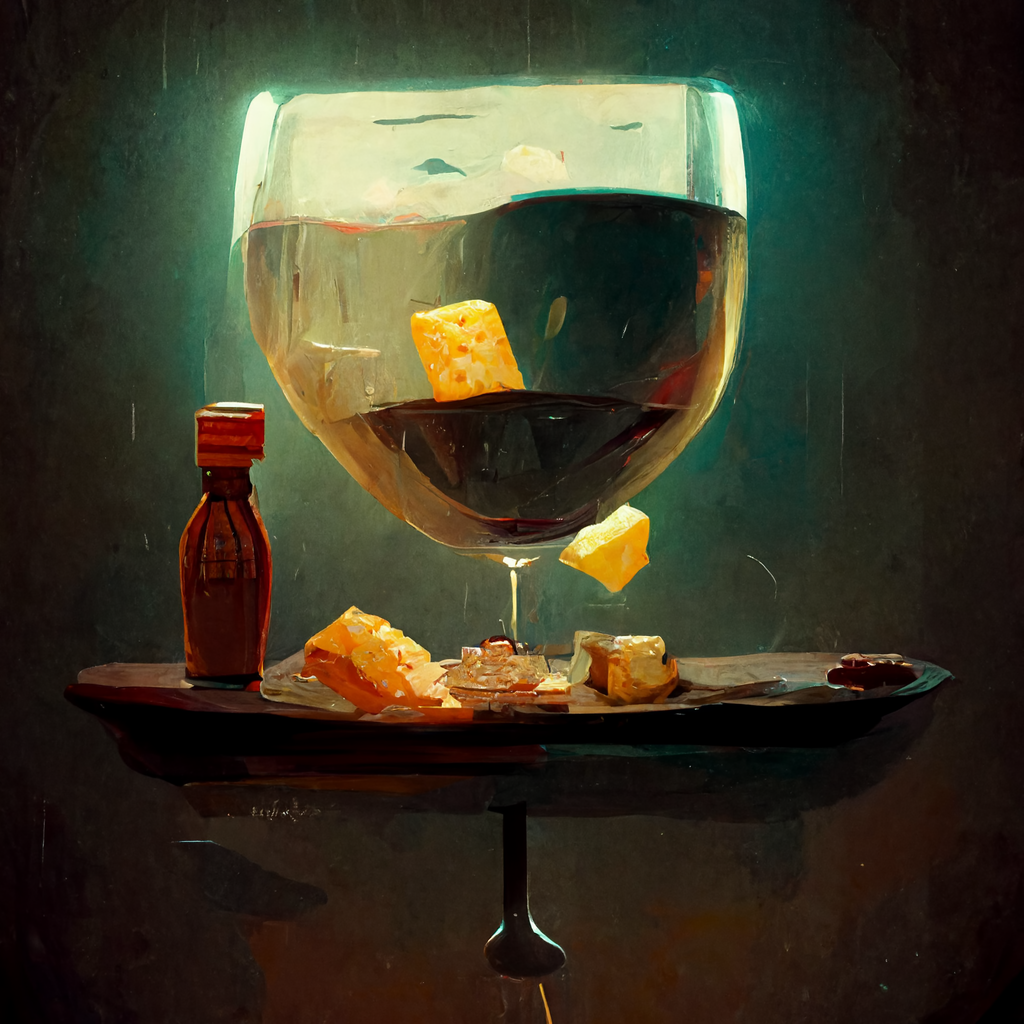
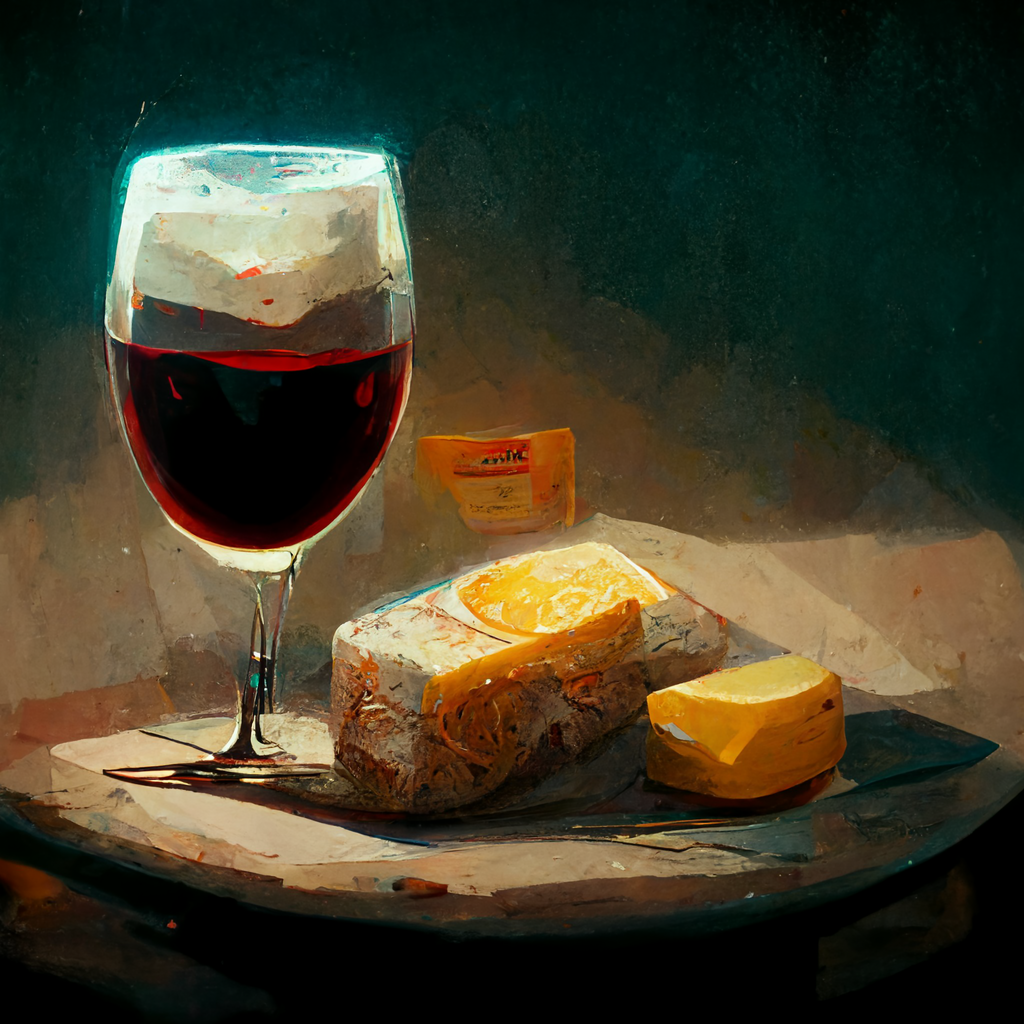
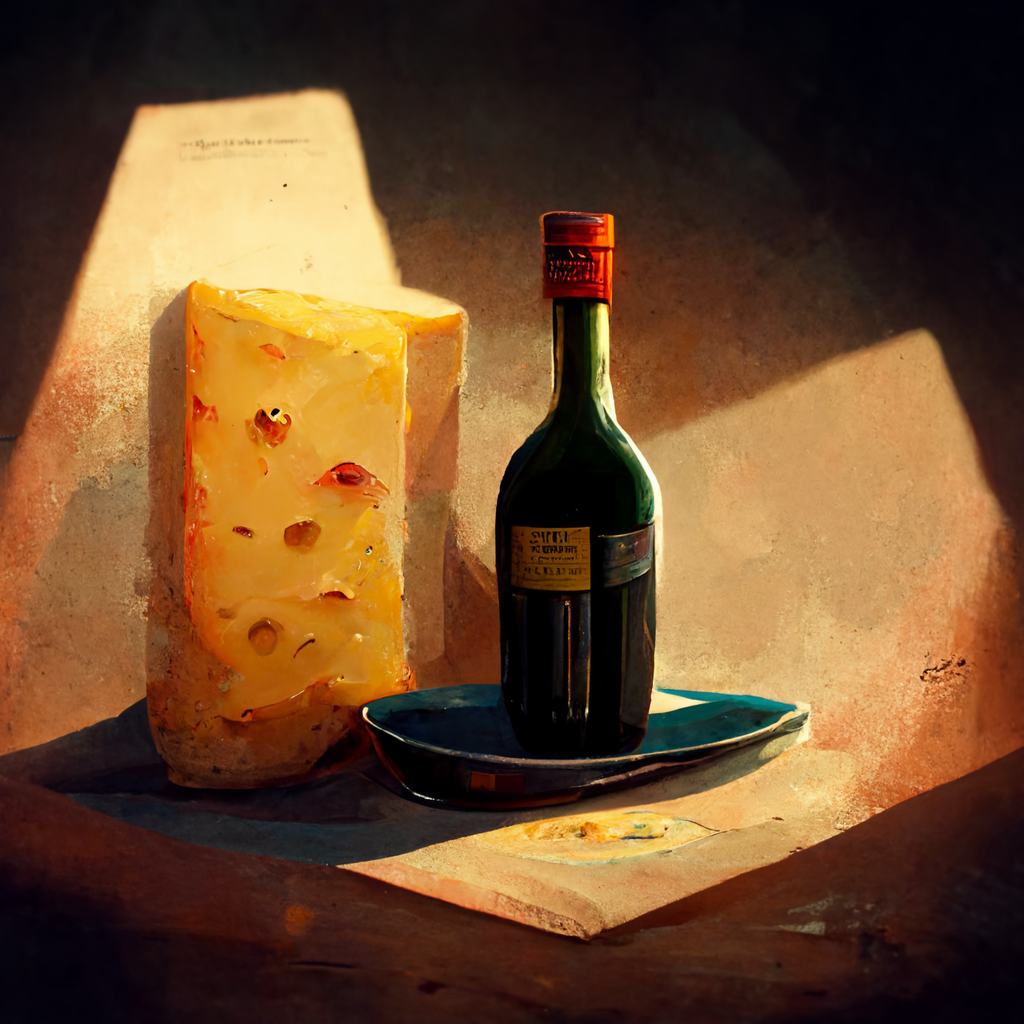
In image URL can be added to the prompt which has an effect on the result. The amount how much the image influences the prompt can be controlled with the “—iw” value. In the example below it’s—iw 1,—iw 1.5,—iw 2 and—iw 3. The higher the value the more the image URL gets “involved”.
https://s.mj.run/U1vtdWfz0pk still live studio photography, apples and cheese and wine on a table, dramatic lighting —ar 1:1 —v 3 —q 2 —iw 3

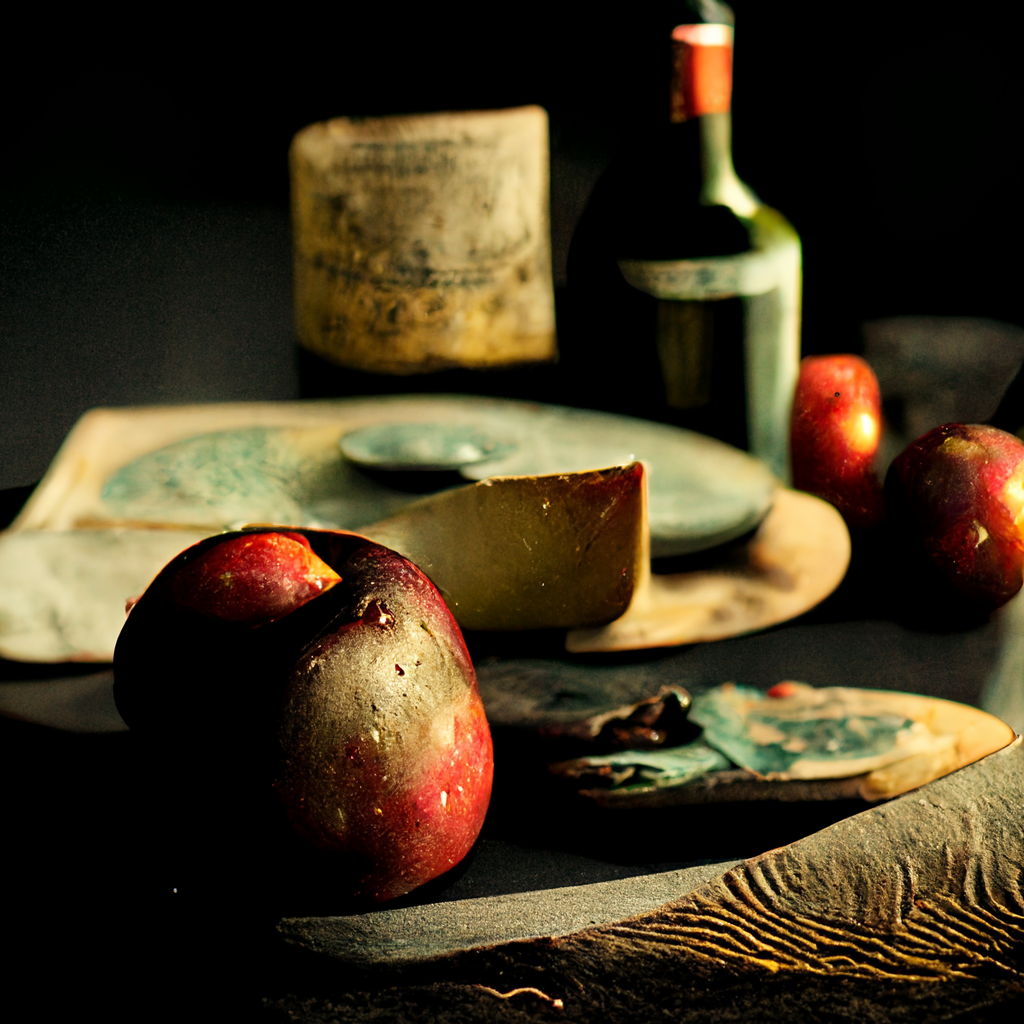

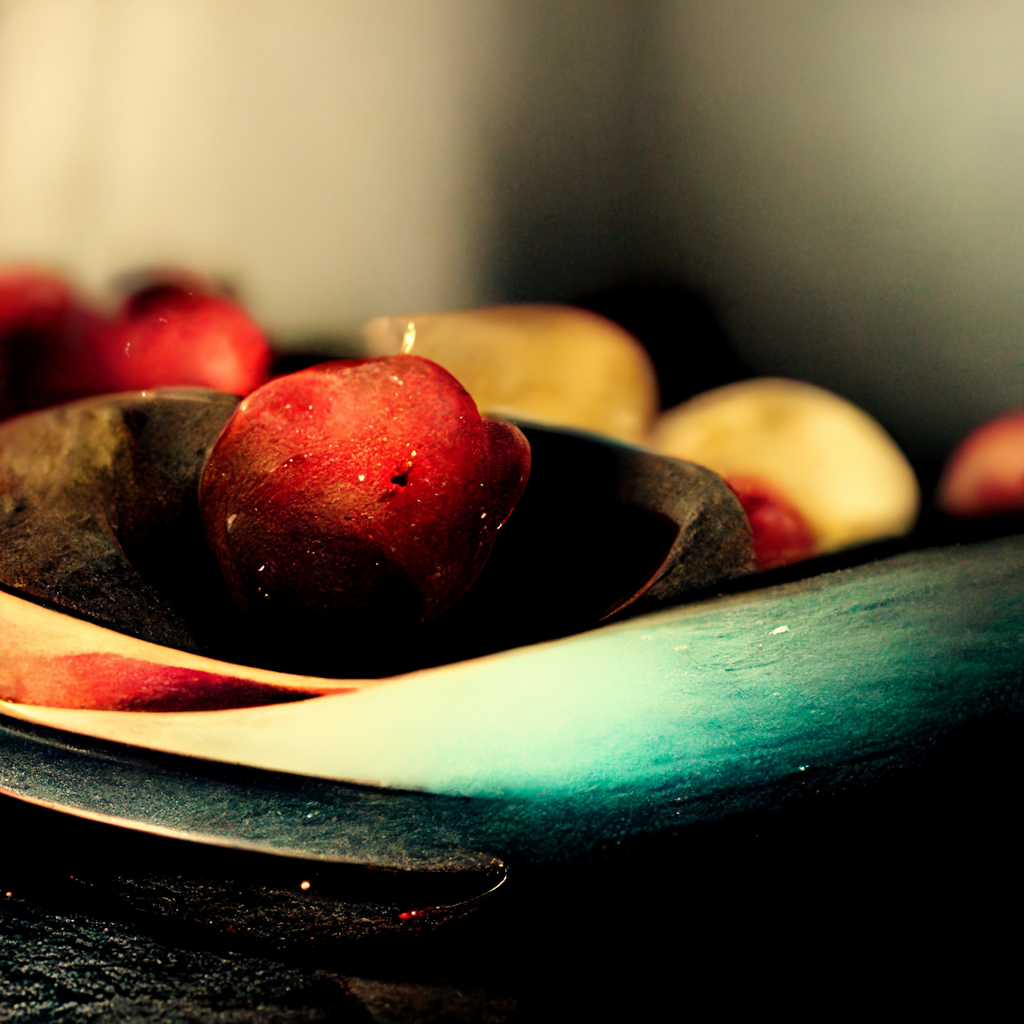
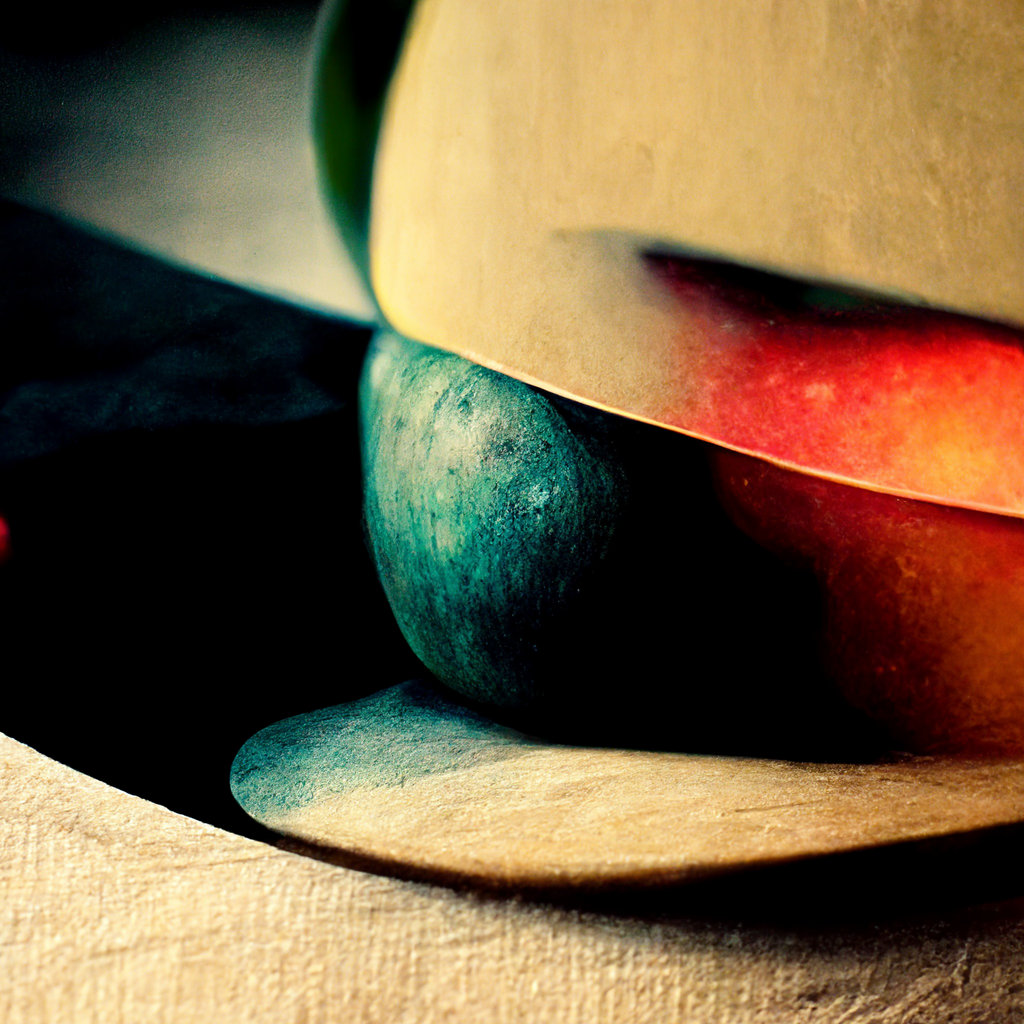
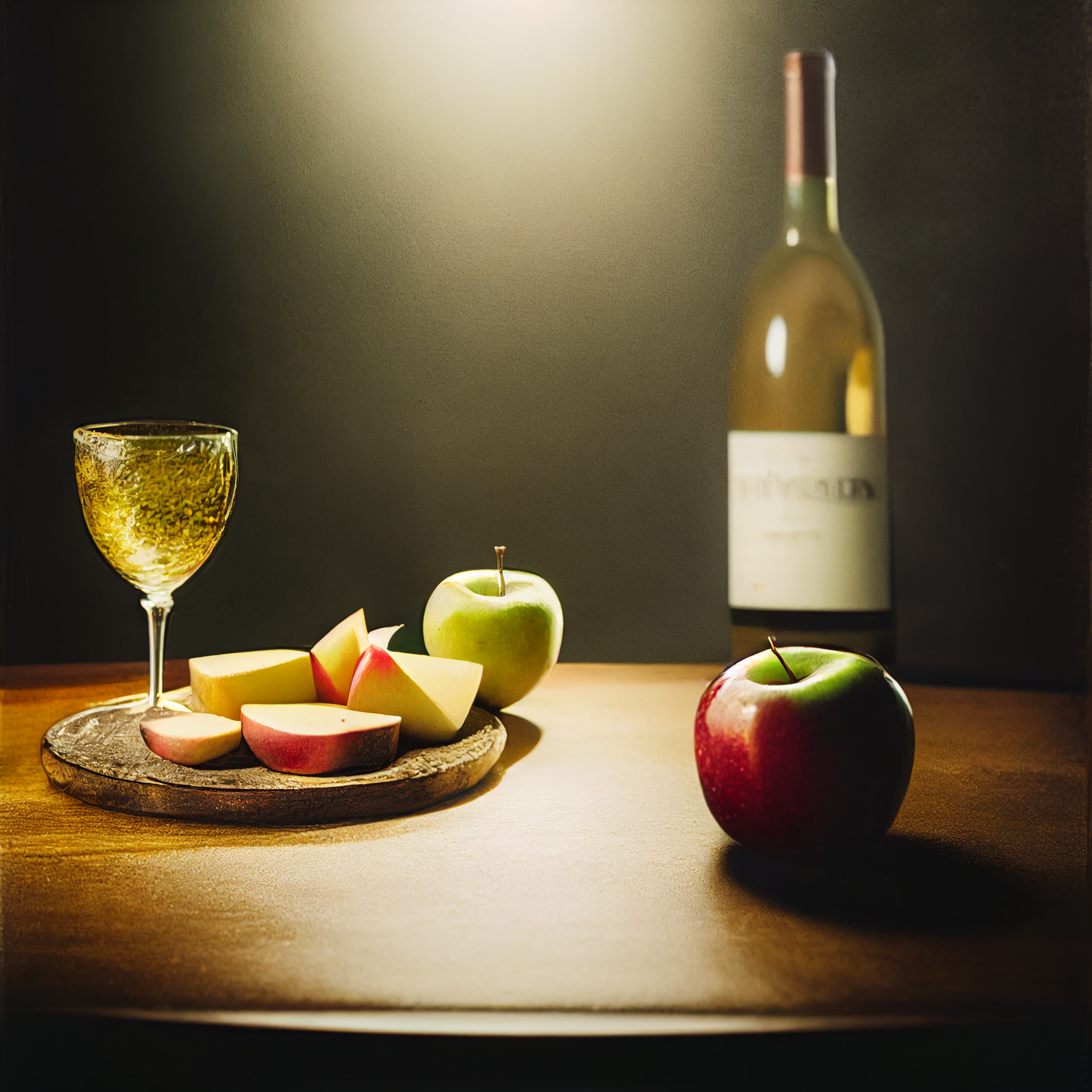
Midjourney AI has (currently) the option to choose between different algorithms (v1, v2, v3, —test and —testp). The ladder two are resulting in more photo realistic results. In addition to that you can take something rendered in the v3 algorithm and “Remaster” it with the new photorealistic algorithm. The last 4 images are no conversions, rather directly created with the original prompt and the “—test” algorithm.

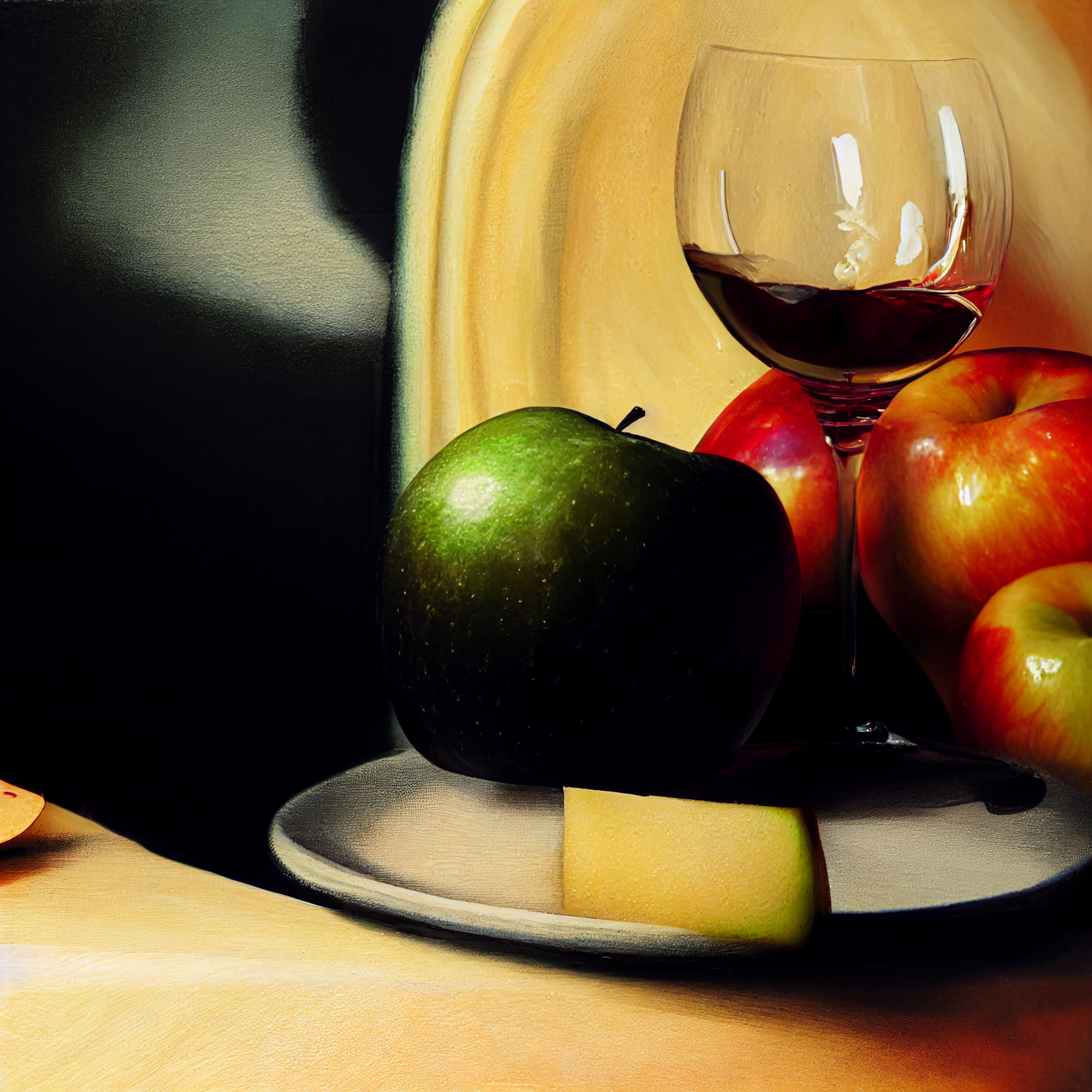

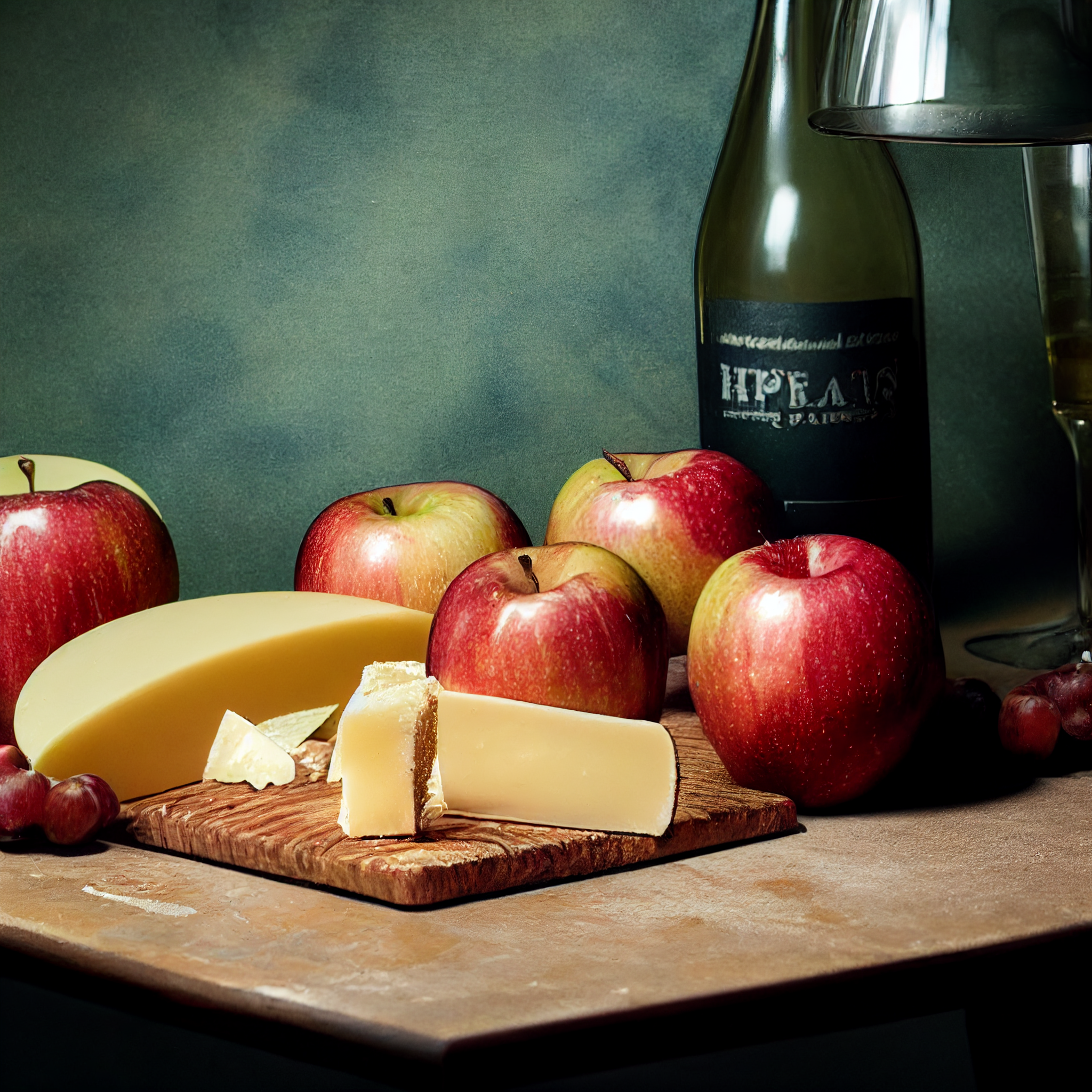

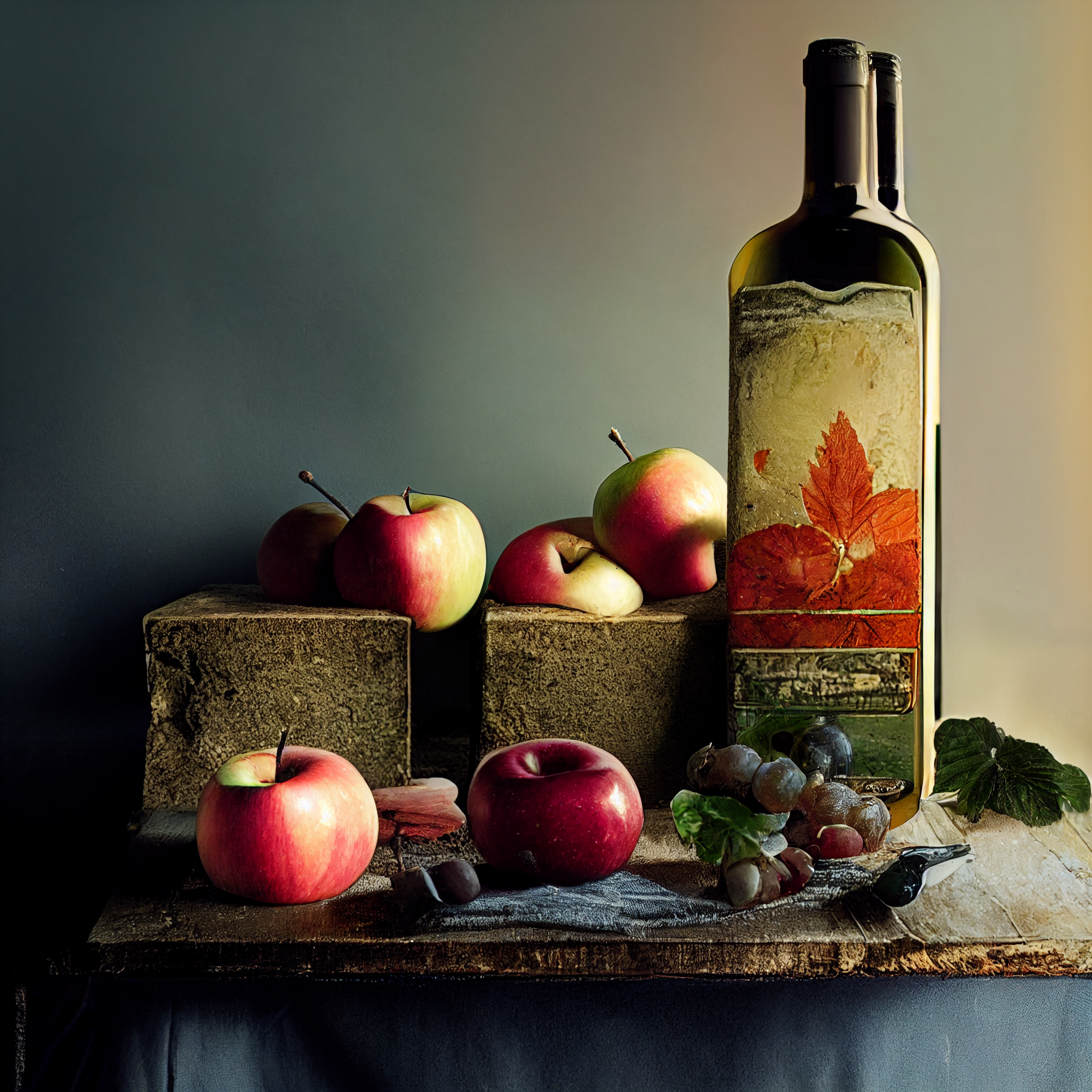
still live studio photography, apples and cheese and wine on a table, dramatic lighting —ar 1:1 —testp
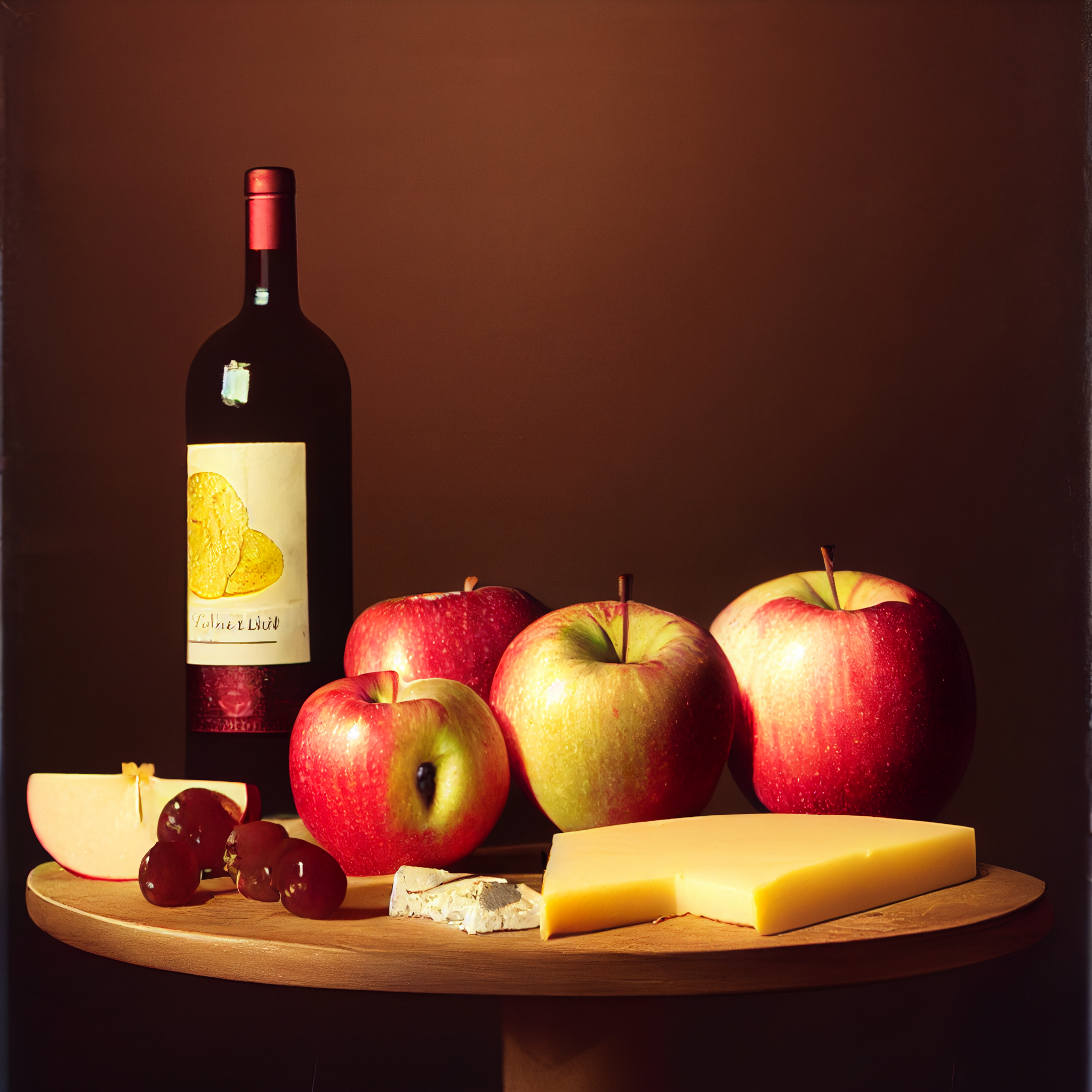
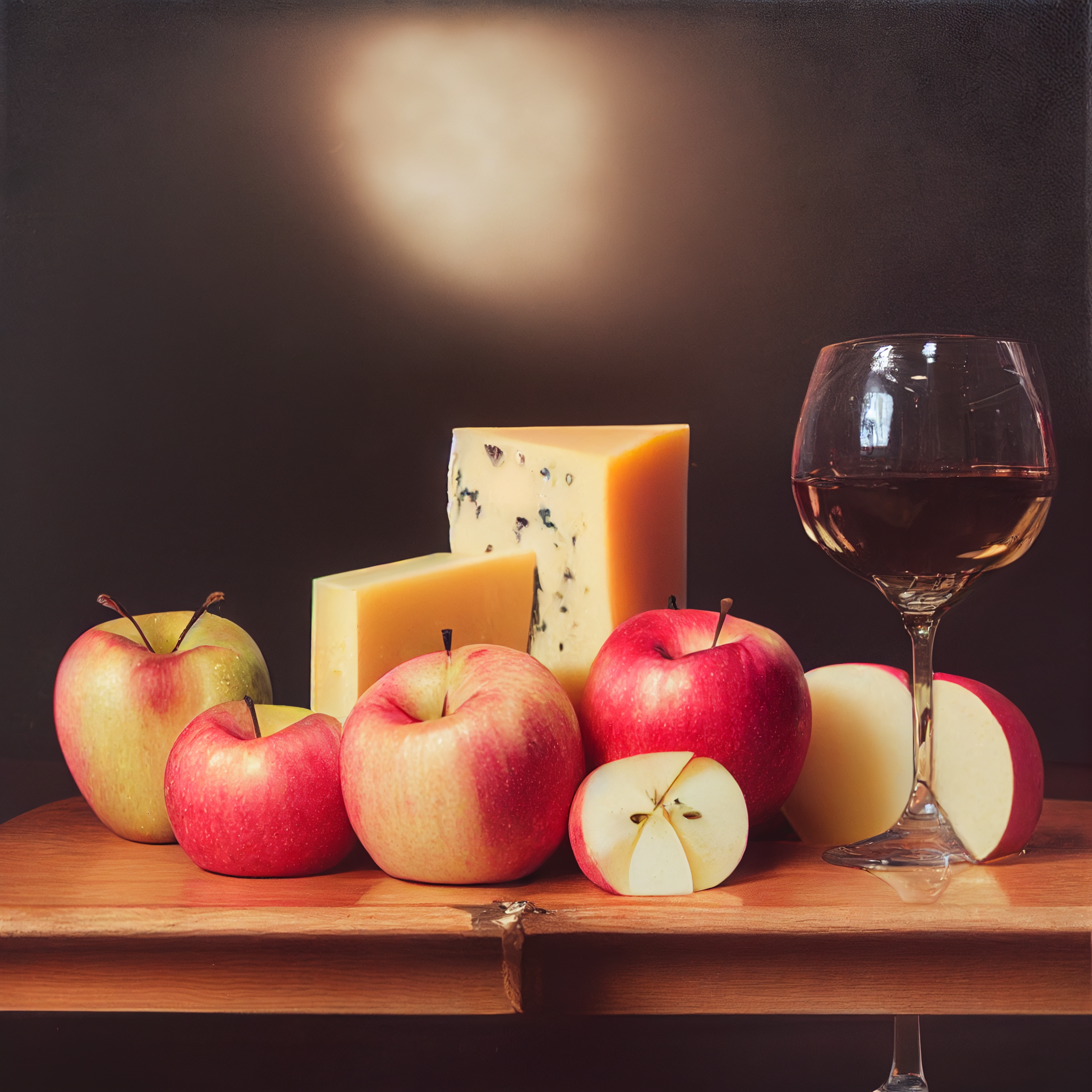
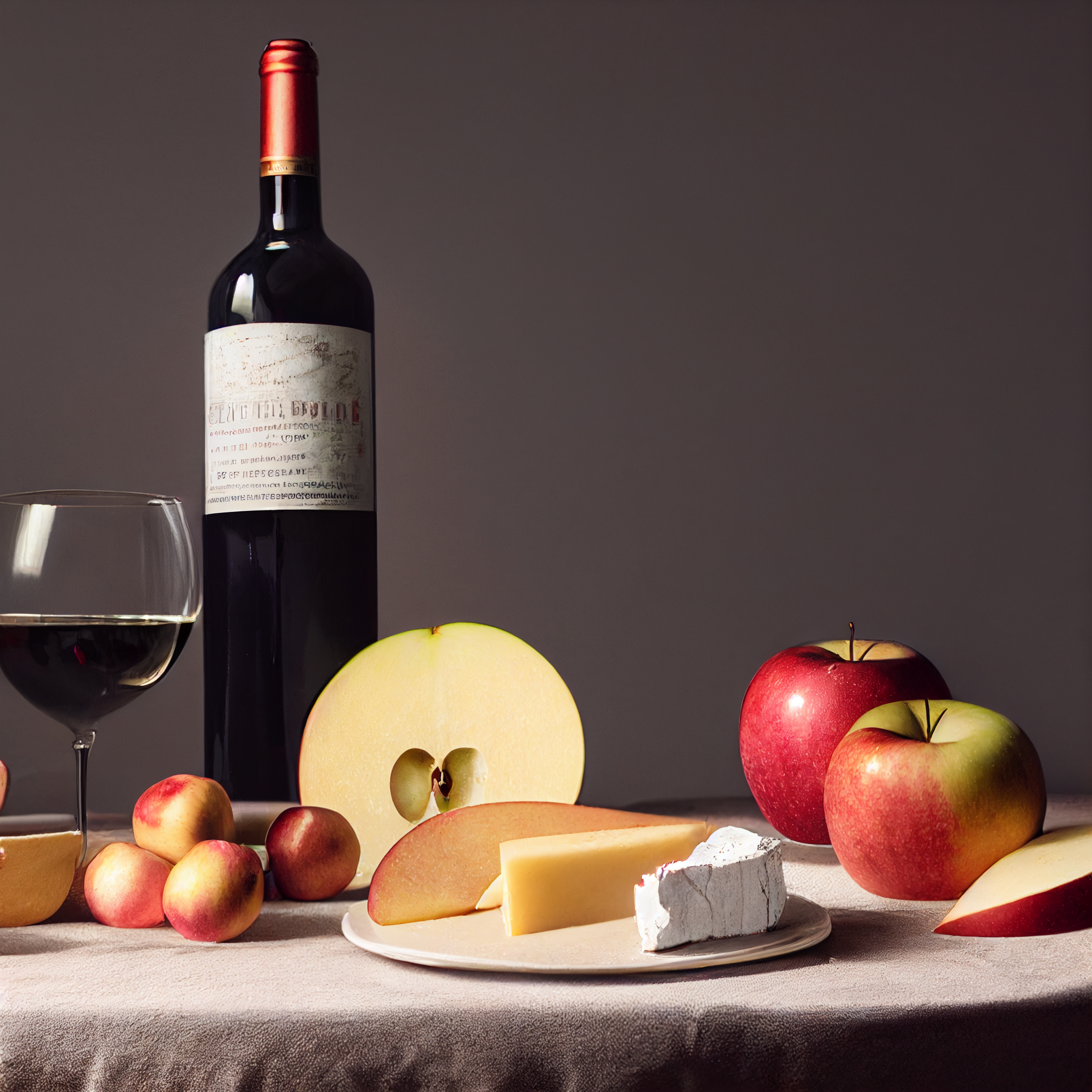
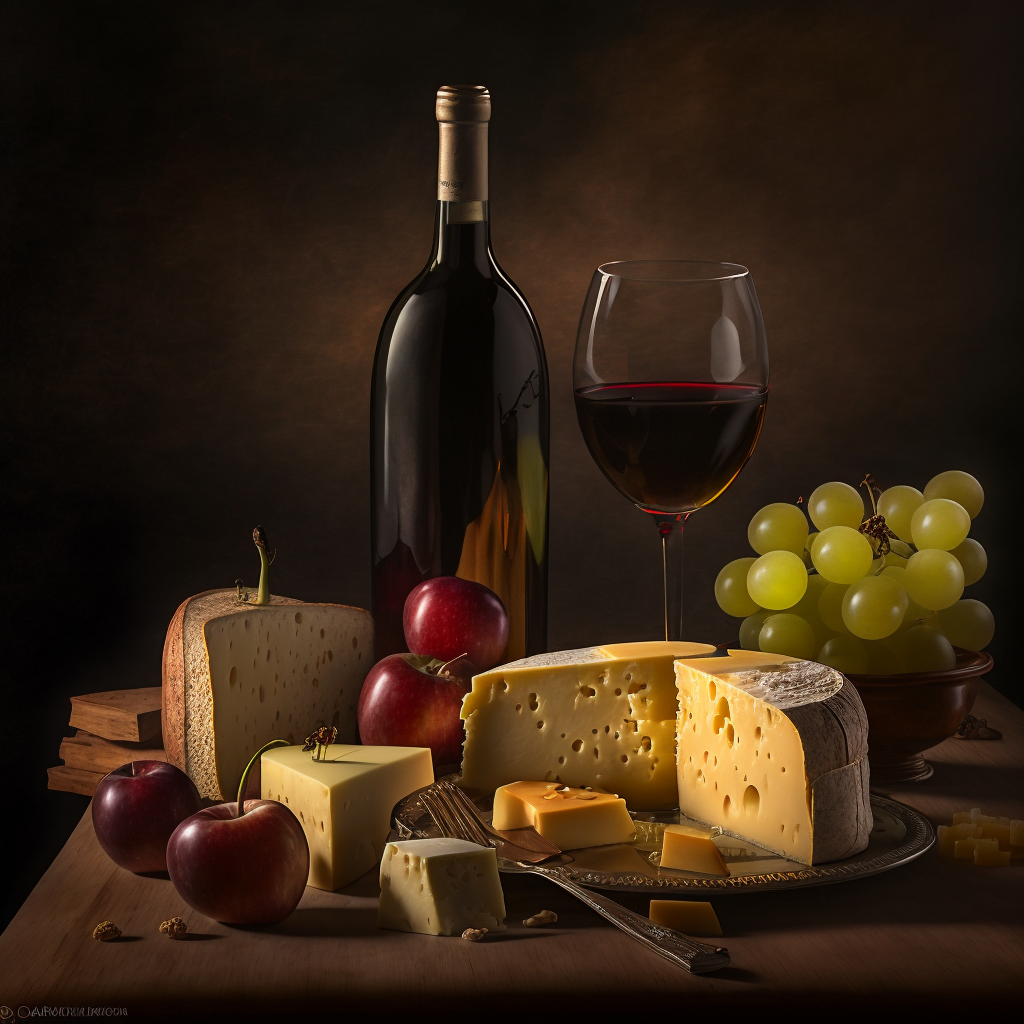
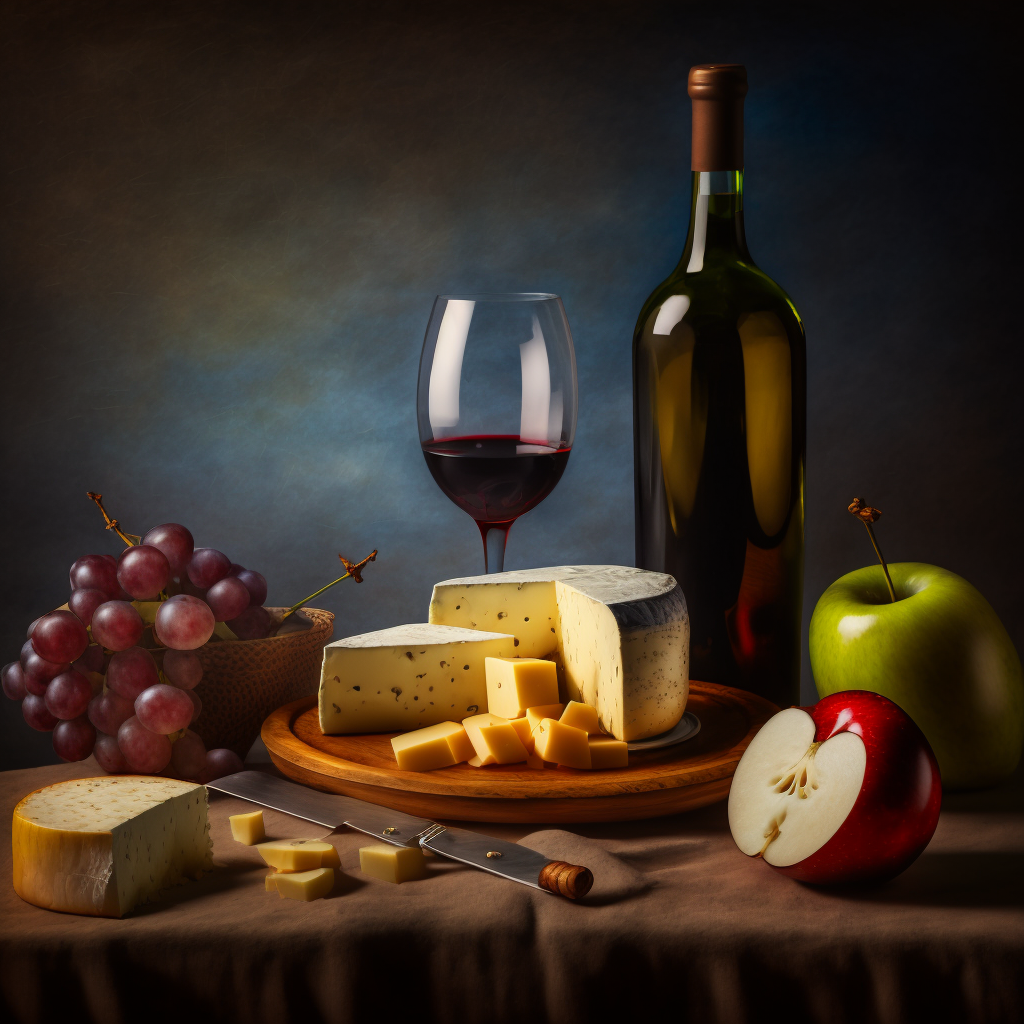
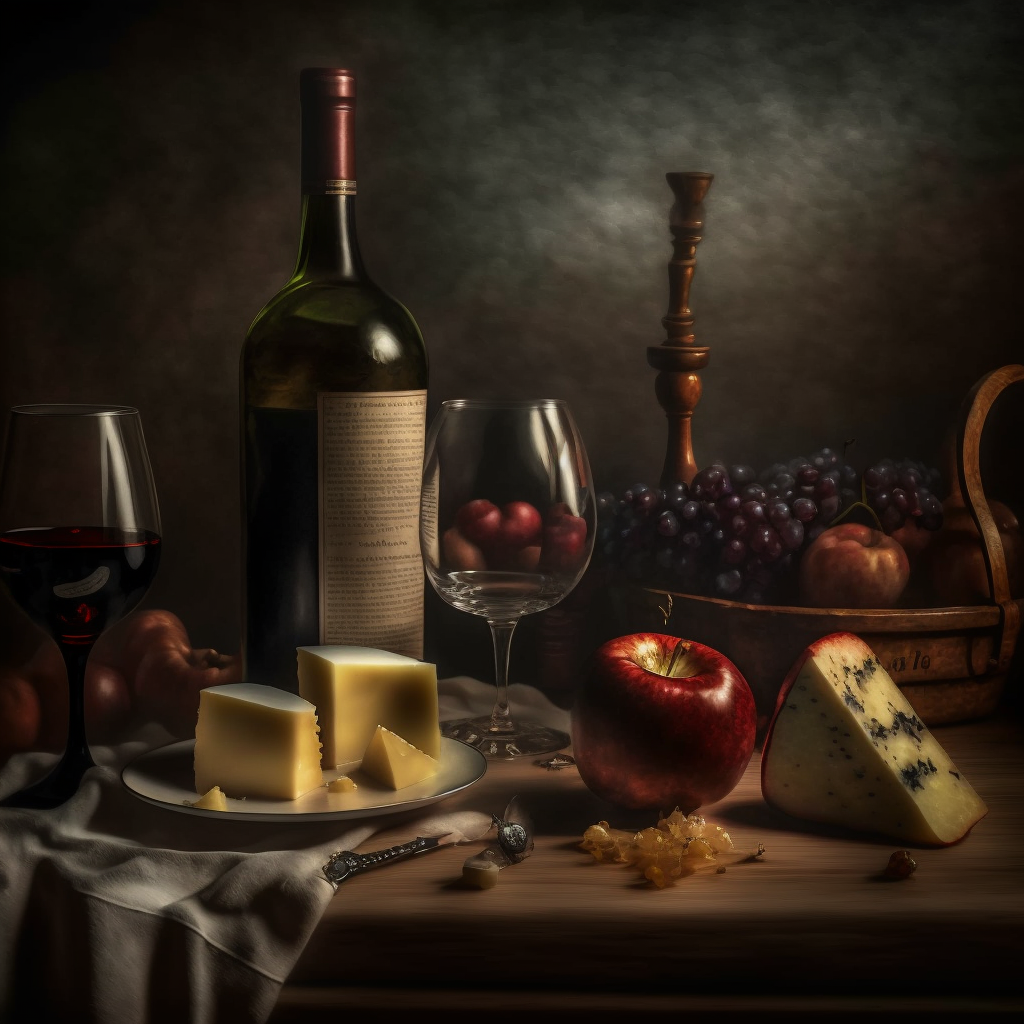
Midjourney’s version 4 beta just came out. Another leap forward.
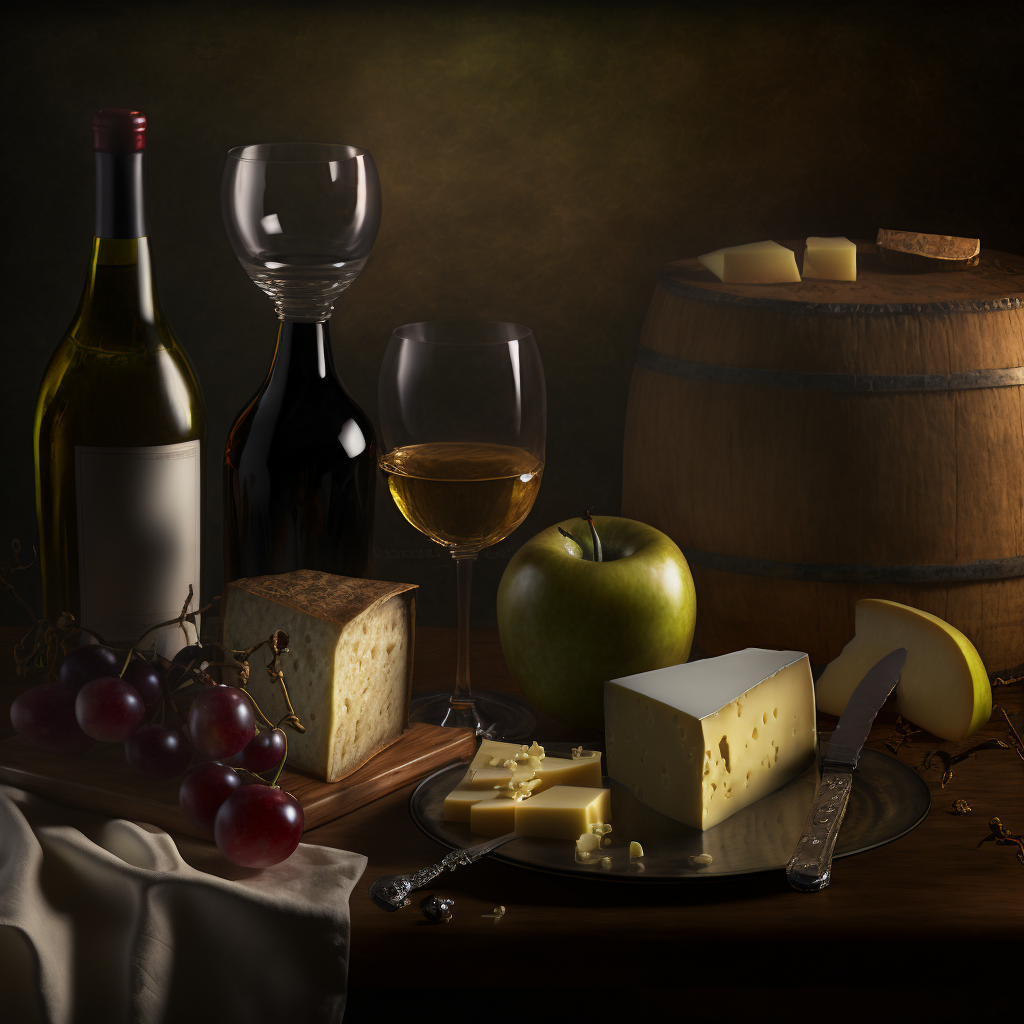
Of course I had to go in there an have some…

